YouTube can't see your screen
a YouTube tutorial is the best free teaching ever made. it's also always about someone else's file, in someone else's version, on someone else's screen.
by Timur Latipov · · 5 min read
the short version
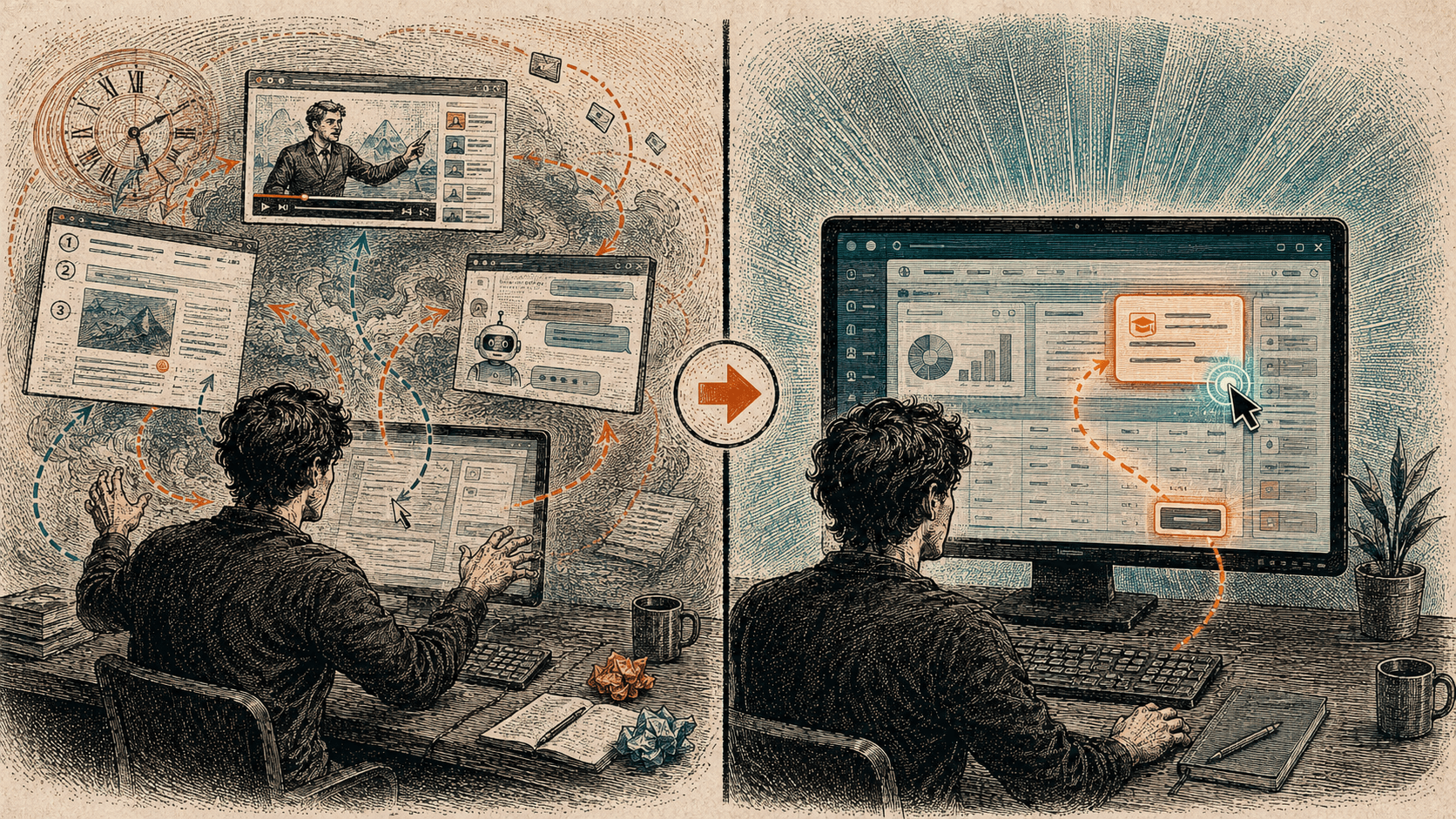
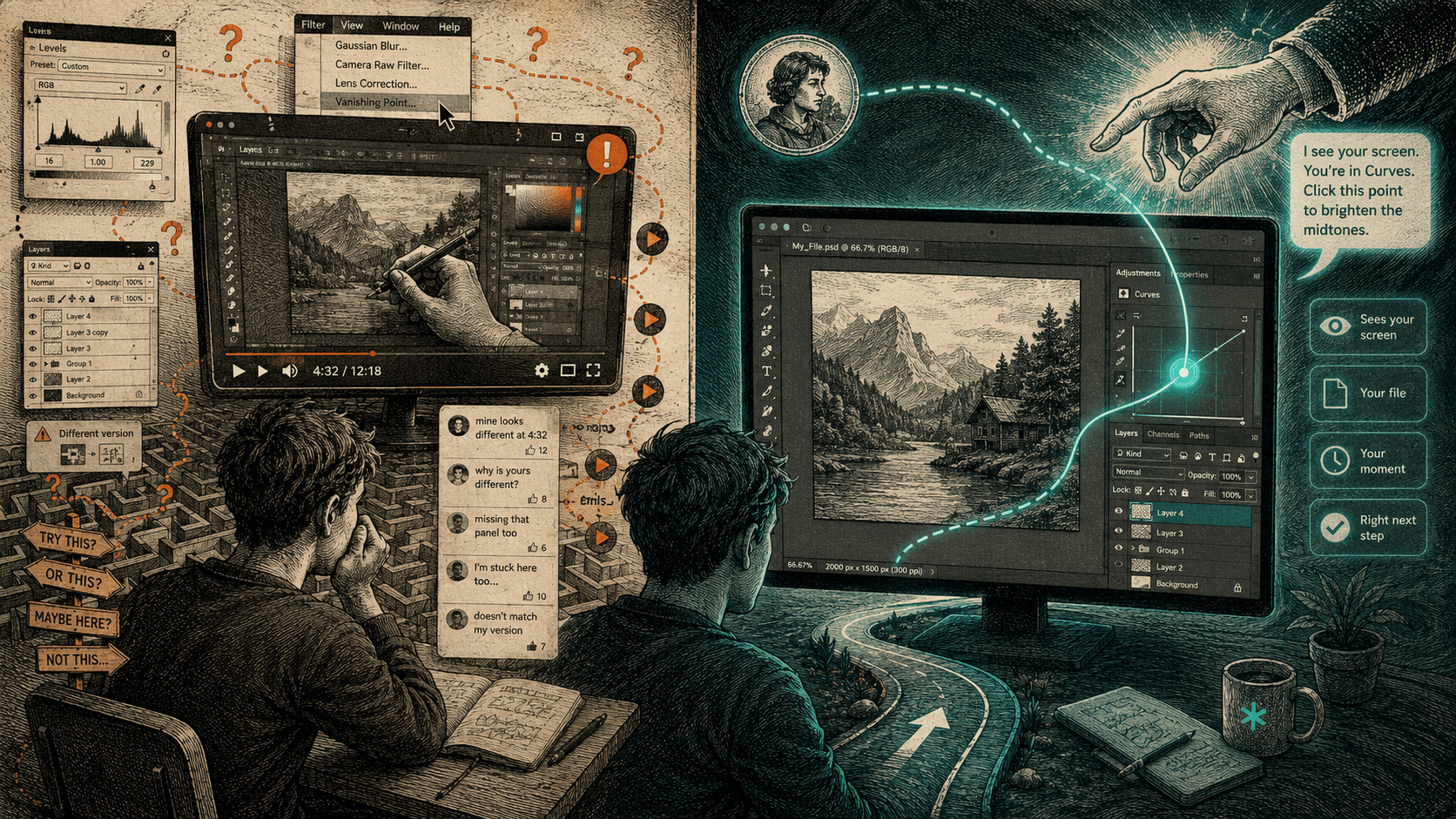
A YouTube tutorial is the best free teaching ever made, and it still leaves you stuck - because it's someone else's screen. Their version of the app, their menu in a different place, their file that already has the layers yours doesn't. You spend half the time translating their steps onto your own work, and the video can't help you do it, because it can't see you.
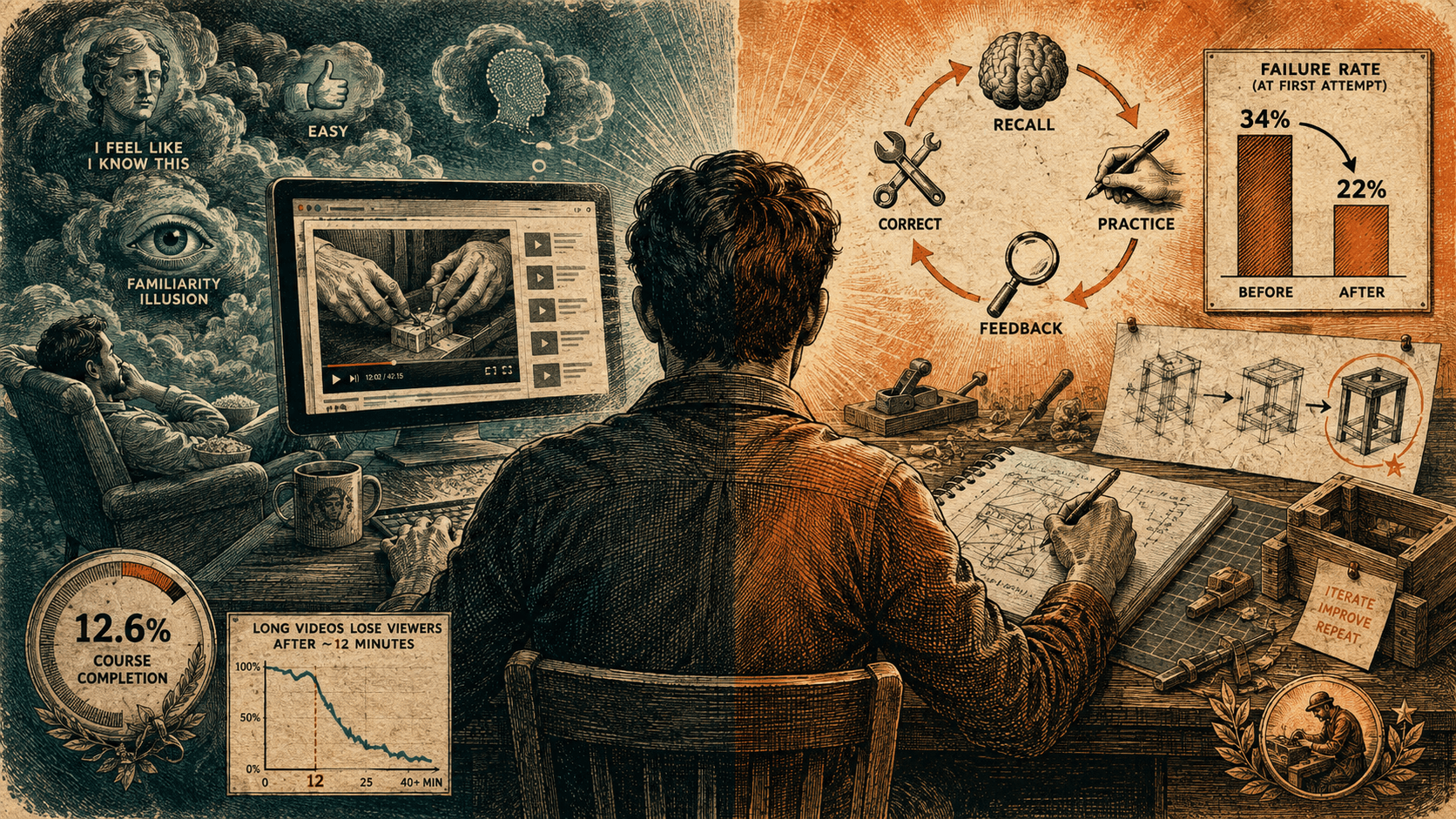
It plays the same whether you're keeping up or completely lost. The comments are the tell: a hundred people saying "at 4:32 mine looks different," and the video answering none of them. A screen-aware tutor flips the one thing that's wrong - it looks at your screen, in your version, and answers when you're the one who's stuck. You stop being a passenger.
There's nothing wrong with the YouTube tutorial. It's genuinely one of the best things the internet made - free, endless, often taught by someone who really knows the app. And you can watch the right one start to finish and still be stuck. Here's the specific reason, because it isn't the one people usually give.
The usual complaint is that videos are too long, or too slow. That's true and shallow. The real problem is that a tutorial is a recording of someone else's screen, and yours is never quite the same as theirs.
it's someone else's screen
- Their version. The menu moved two releases ago; the button they click isn't where yours is.
- Their file. Theirs already has the three layers, the right settings, the clean starting point. Yours doesn't - and that gap is exactly the part they skipped.
- Their path. They know where they're going, so they move fast through the step you're stuck on and slow through the part you already had.
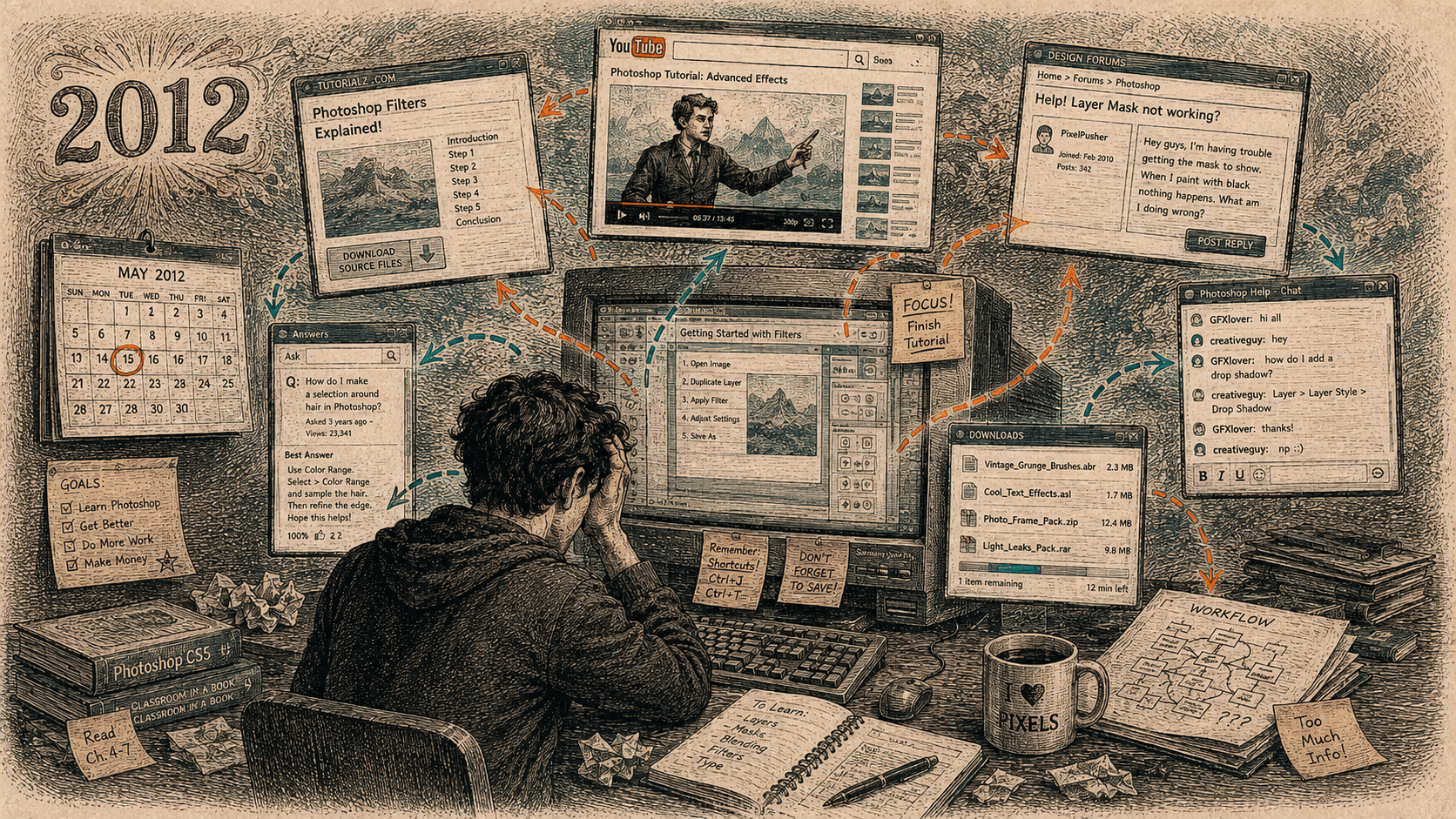
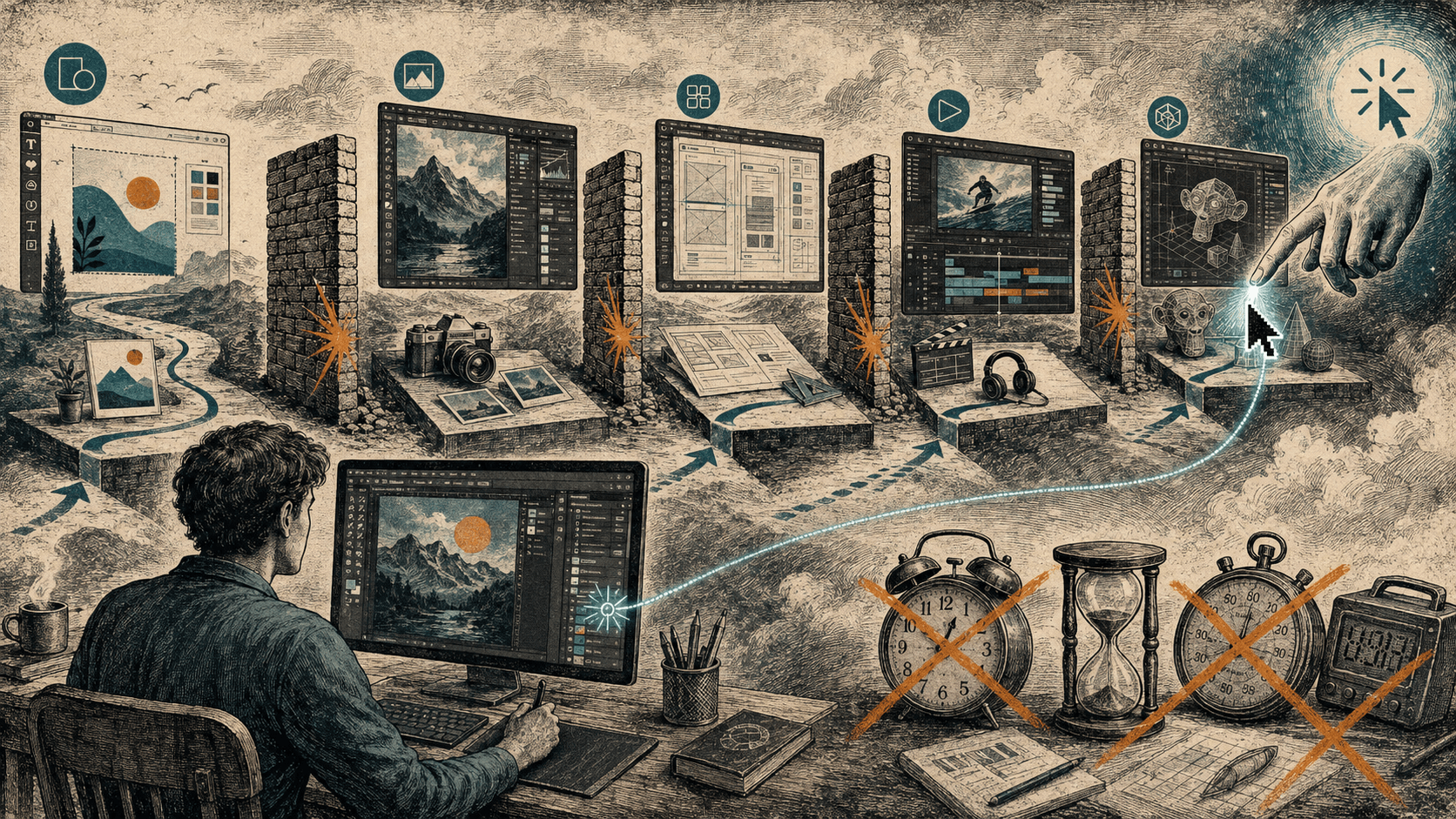
So you sit there translating - pausing, scrubbing back, trying to map their screen onto yours. That translation is the hard part of learning from a video, and it's the one part the video can't help with.
it can't see you
A tutorial plays the same whether you followed it or lost it three steps ago. Nothing you do changes what it says next. It can't notice you clicked the wrong thing, can't tell you're on the wrong panel, can't answer the question you actually have - because it doesn't know you have one.
The comment section is where this shows up. Under any popular tutorial is a row of people stuck at the same timestamp - "mine looks different at 4:32" - and the video answers none of them, forever. Thousands of people, the same wall, no correction. That's not a content problem. It's the format.
You weren't watching the wrong tutorial. You were watching a tutorial, and it was never going to be about you.
what a screen tutor changes
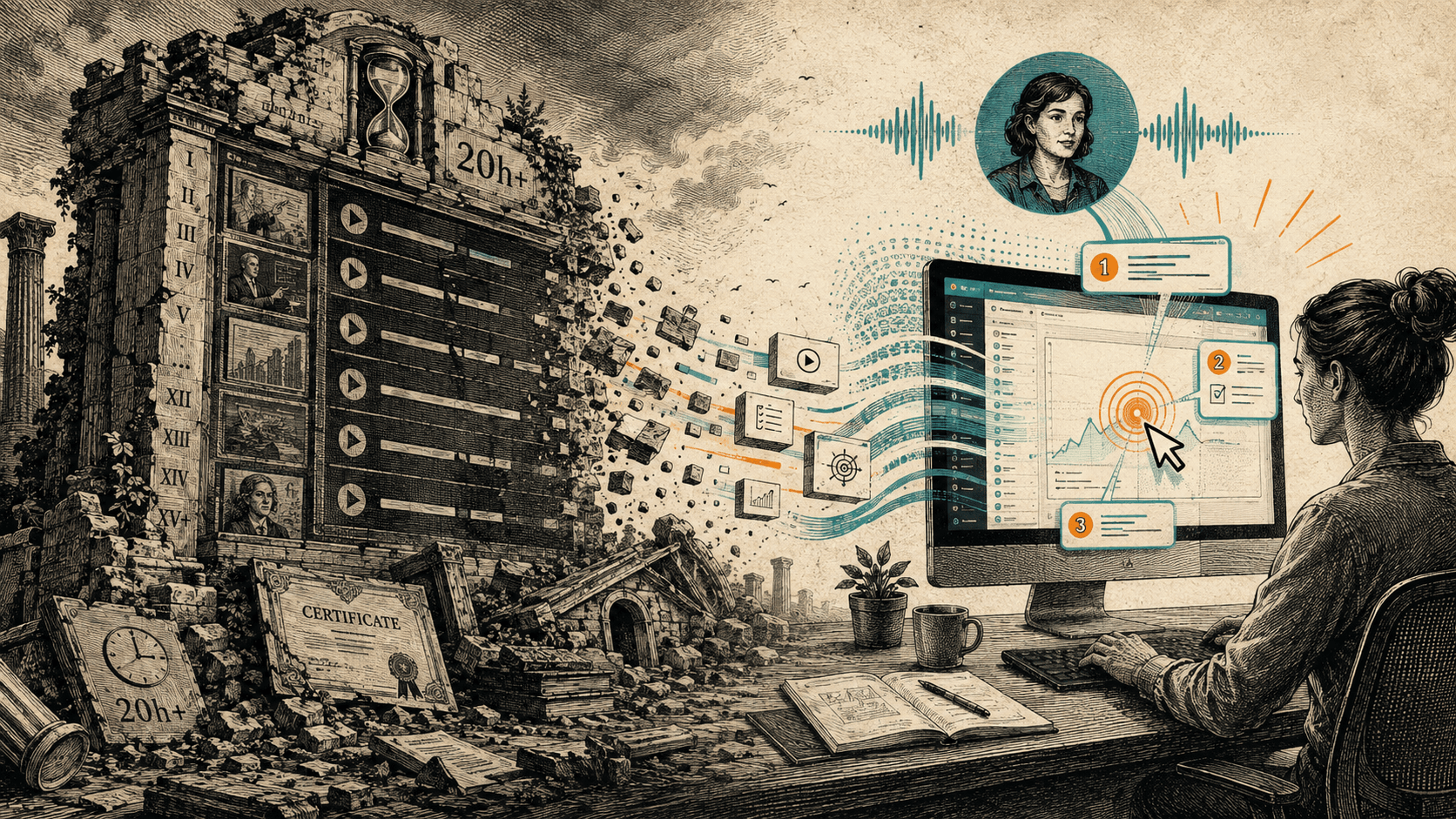
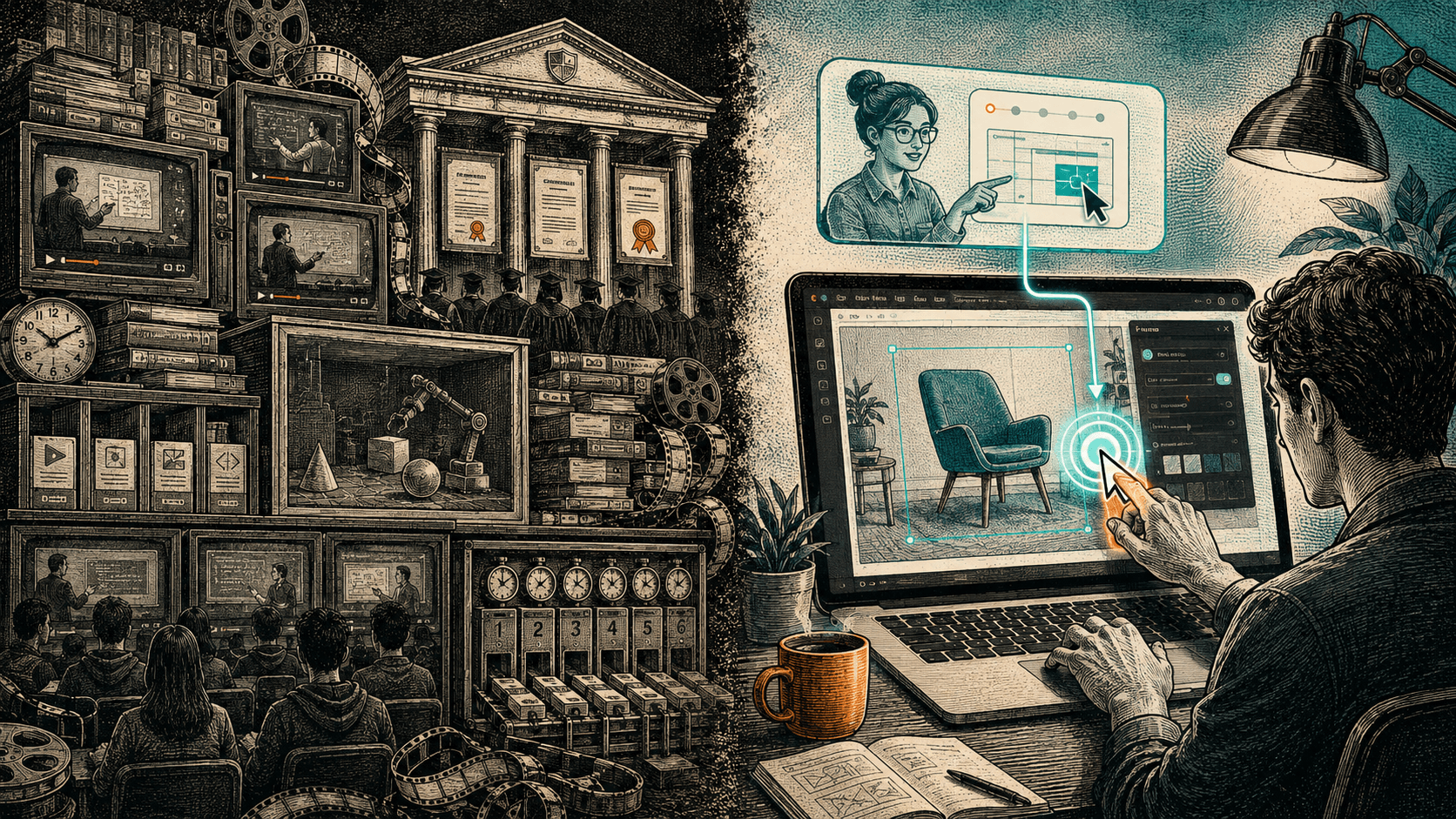
Flip the one thing that's broken and the rest follows. Instead of you translating someone else's screen onto yours, the help looks at your screen - your version, your file, the actual state you're in - and points at your next step. When you get stuck you ask, out loud, and it answers about the thing in front of you. You stop being a passenger watching hands that aren't yours.
This doesn't make YouTube useless. For "what's even possible in this app" or "should I learn this thing," a good video is still the best browse there is. It's bad at exactly one thing: teaching you on your own file, in your version, right now. That's what a screen-aware guide is for.
what HeyBraza does
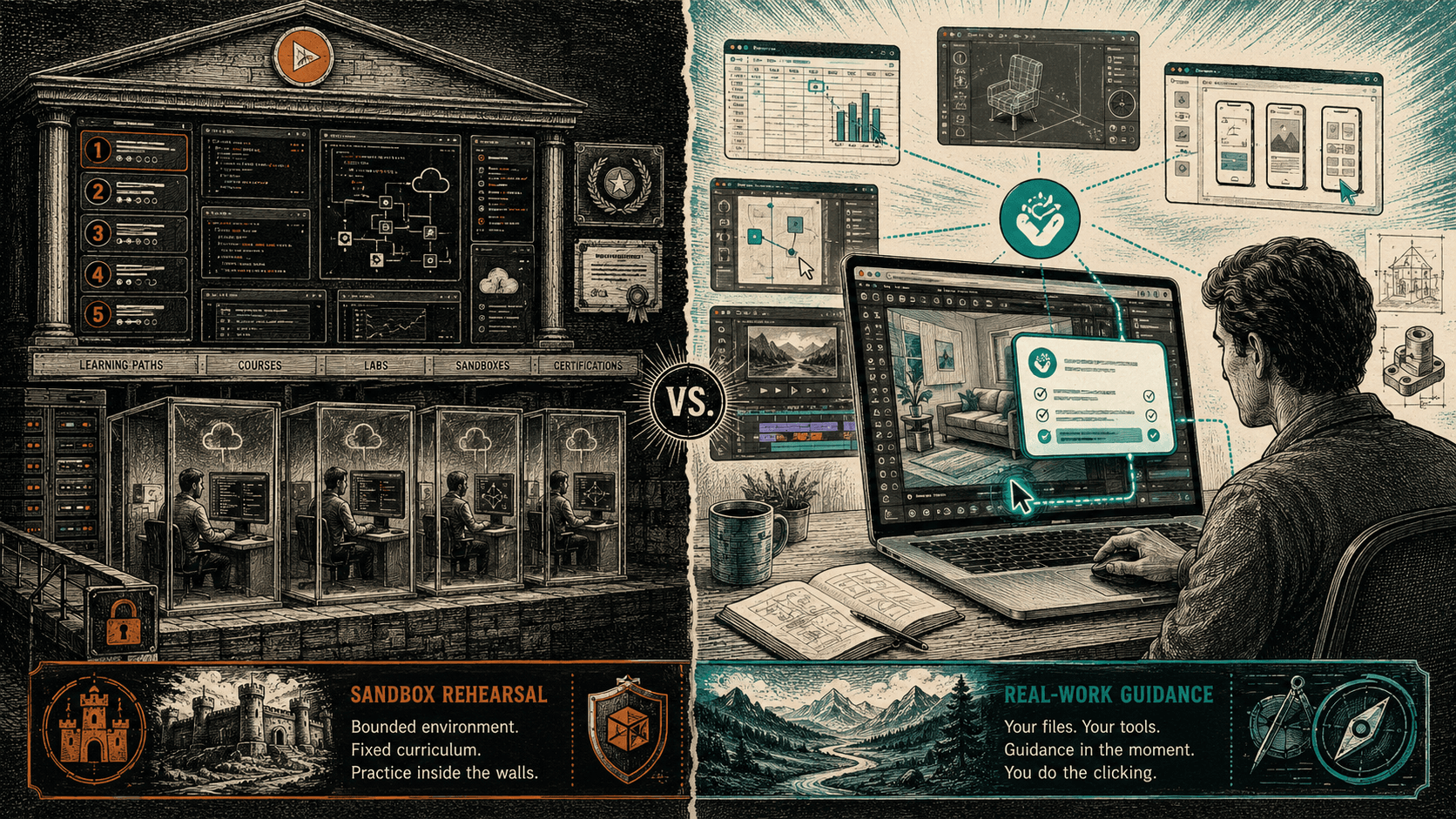
HeyBraza is that tutor. You hold a key, ask out loud in the app you're already using, and it points at the next step on your own screen. Same app, your file, your version. If you want the video-shaped thing first - a walkthrough of what a tool can do - there are per-app guides on the site; but the moment your screen stops matching the walkthrough, that's where HeyBraza starts.
what to remember
- A YouTube tutorial is someone else's screen - their version, their file, their path - and half the work is translating it onto yours.
- It plays the same whether you're keeping up or lost; nothing you do changes what it says next.
- The comment section - a crowd stuck at the same timestamp, unanswered - is the format failing, not the teacher.
- A screen-aware guide sees your screen when you ask and shows you the step on your own file, so you stop being a passenger.
- YouTube is still the best way to browse what's possible; it's just bad at unsticking you in your own file.
questions people ask
Why don't YouTube tutorials work for me?
Usually it's not you and not the teacher - it's that a tutorial is a recording of someone else's screen. Their app version, their file and their starting point are different from yours, so you spend the time translating their steps onto your own work, and the video can't help because it can't see your screen.
My screen doesn't match the tutorial - what do I do?
That mismatch is the normal case, not a mistake. The video was made on a different version with a different file, so menus move and steps skip the part you're stuck on. The fix is help that reads your actual screen instead of a recording - a screen-aware tutor that points at where the button is in your version, on your file.
Is there an interactive alternative to YouTube tutorials?
Yes - a screen-aware assistant like HeyBraza. Instead of watching someone else's screen, you work on your own file and ask out loud when you need it; it sees what's actually in front of you and shows you the next step, in your version of the app. It's the correction a video can't give.
Are YouTube tutorials still worth it?
For browsing what an app can do, or deciding whether to learn something, a good video is still the best free resource there is. It's weak at one specific thing: getting you unstuck on your own work in the moment. That's the job a live, screen-aware tutor does better.
// learn a specific app
 learn figma
 learn blender
 learn capcut
 learn canva
stop reading. go do something - guided, on your own screen.
try for FREE today