
master Apps by practicing,10x cheaper than traditional courses
- 5 secto start practicing
- anyappif it's on your screen, it's teachable
- learning 2.0not a course, not a video. just do it
 3d modeling
 photo & design
 video editing
 ai
ai data
data music
musicThe new way to learn: live, hands-on, inside your own work.
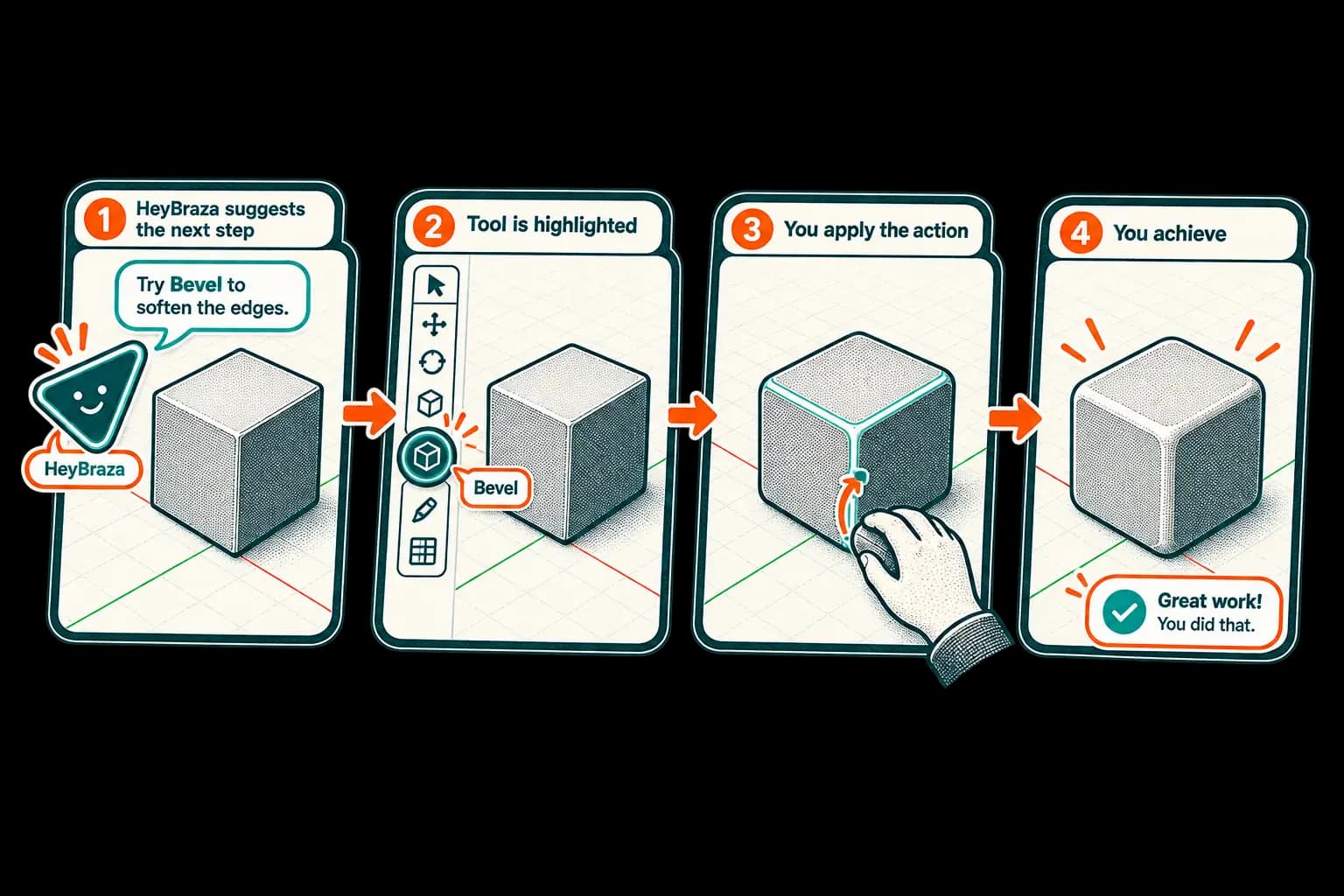
Hold a key and ask out loud in 3D modeling, video editing, motion graphics, design - Blender, Figma, Premiere - the browser, anything you can see, and HeyBraza shows you exactly where to click and walks you through the step. You make the clicks, so the skill is yours - learned in minutes on your real file, not a 20-hour course.
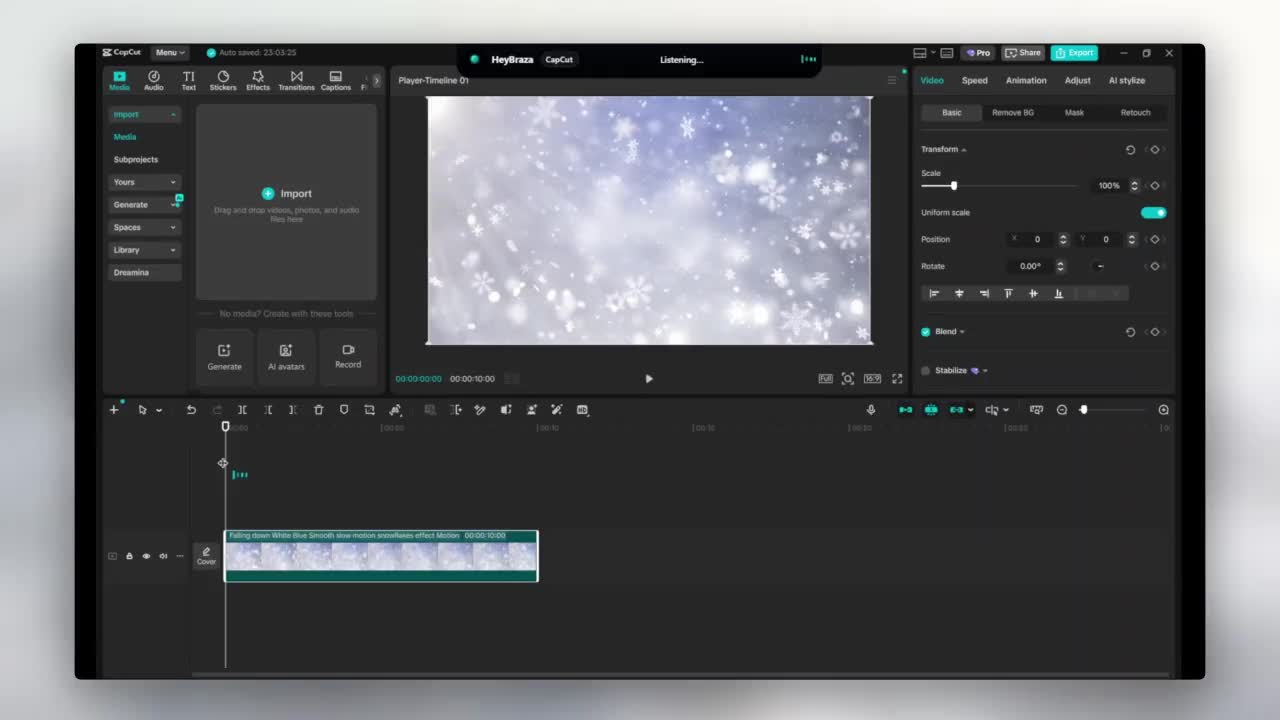
the apps people ask for most.
Premiere Pro
The pro video editor behind most YouTube videos, films and ads. HeyBraza points at the exact trim, caption or export button the moment you ask, live on your own timeline.

Photoshop
The industry standard for editing photos and making graphics. HeyBraza points at the exact panel for the mask or retouch you need - you do the work, so the skill sticks.
Unity
The game engine behind a huge share of mobile and indie games. HeyBraza points at the setting to fix when your scene won't play - you learn the engine by shipping.
DaVinci Resolve
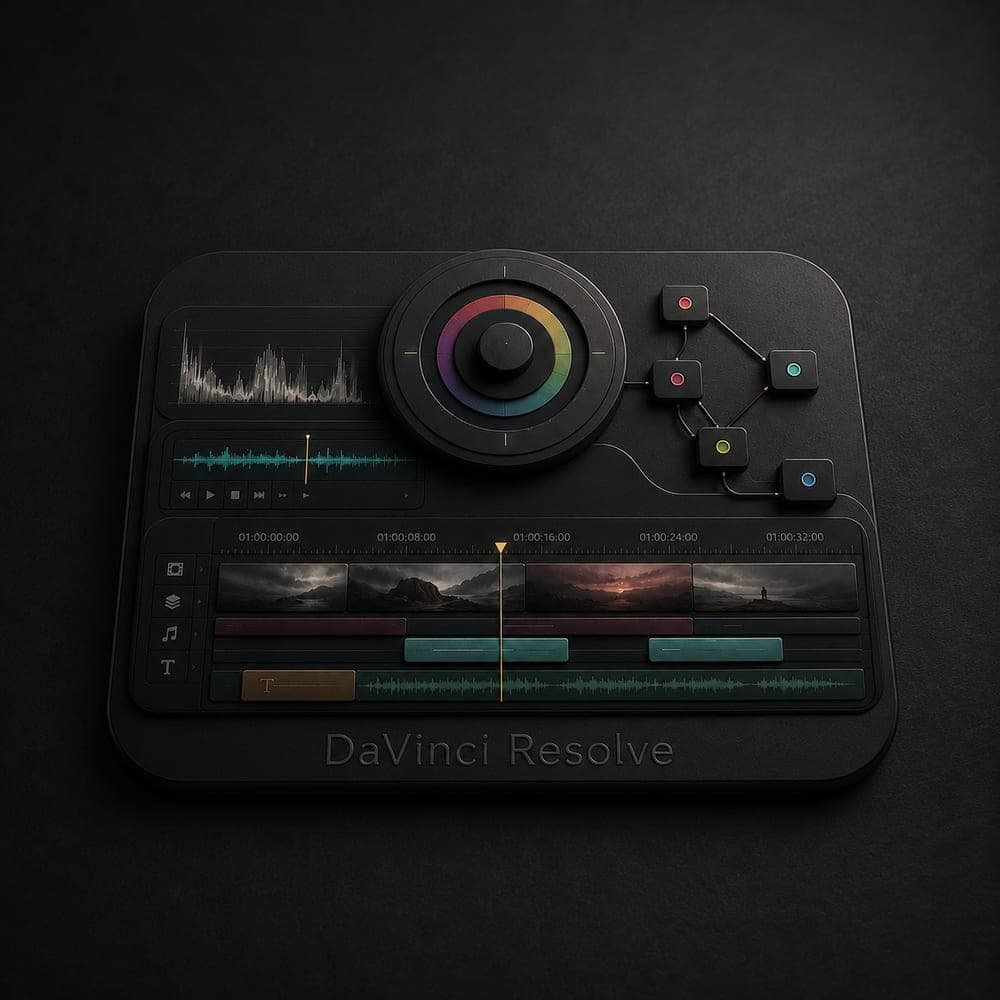
The film-grade editor famous for its color grading. HeyBraza points at the right node for a grade or a cut, live on your own footage.
AutoCAD
The classic app for drafting floor plans and technical drawings. HeyBraza points at the command you need - you draft the plan yourself, dimensioned right.

hold a hotkey, ask out loud - it points at the exact button.
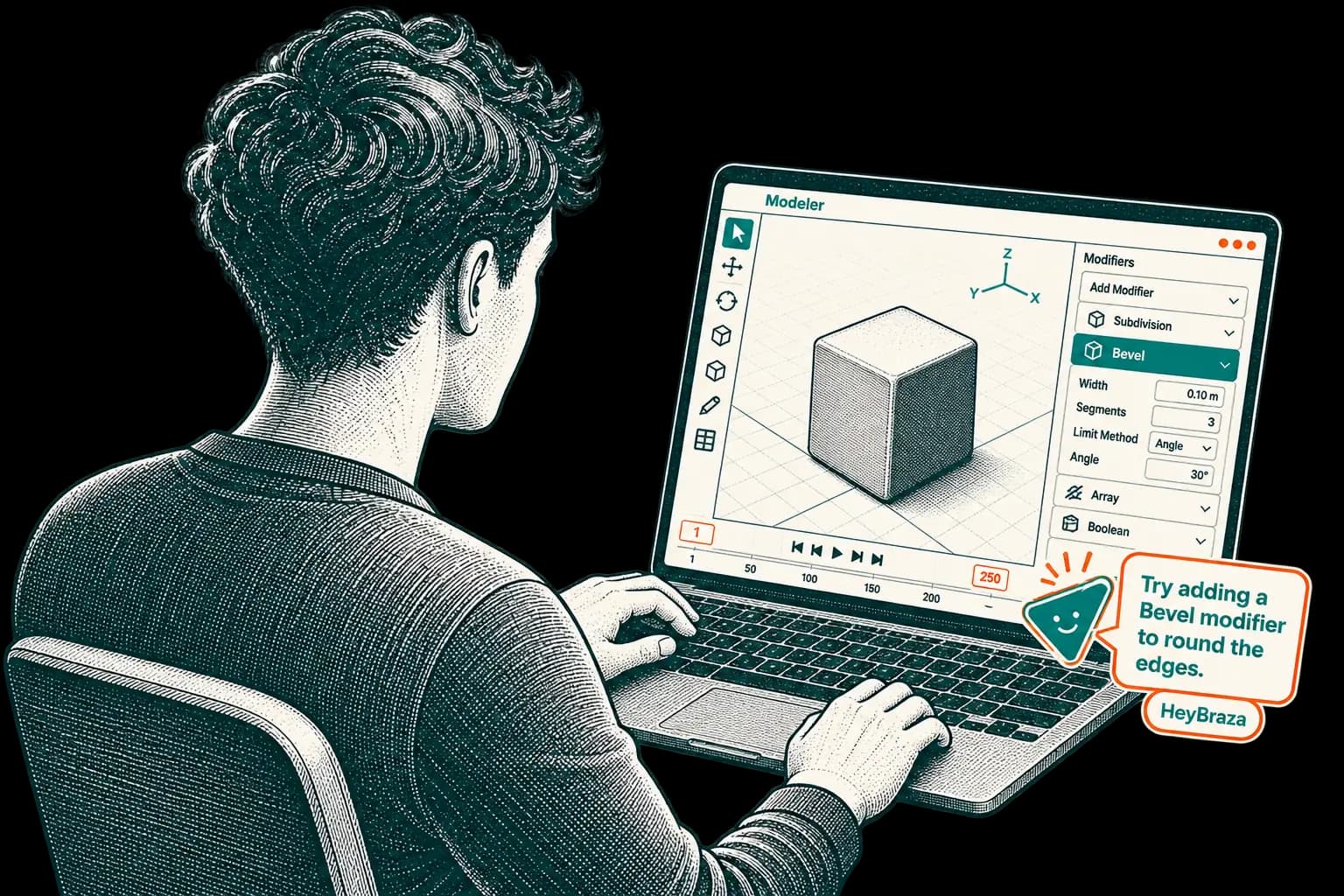
- 01
press the hotkey
hit your global shortcut inside any app you're using.
- 02
ask out loud
say what you're trying to do - in your own language.
- 03
watch it point
HeyBraza highlights the exact button and talks you through each step.
if it's on your screen, HeyBraza can guide it.
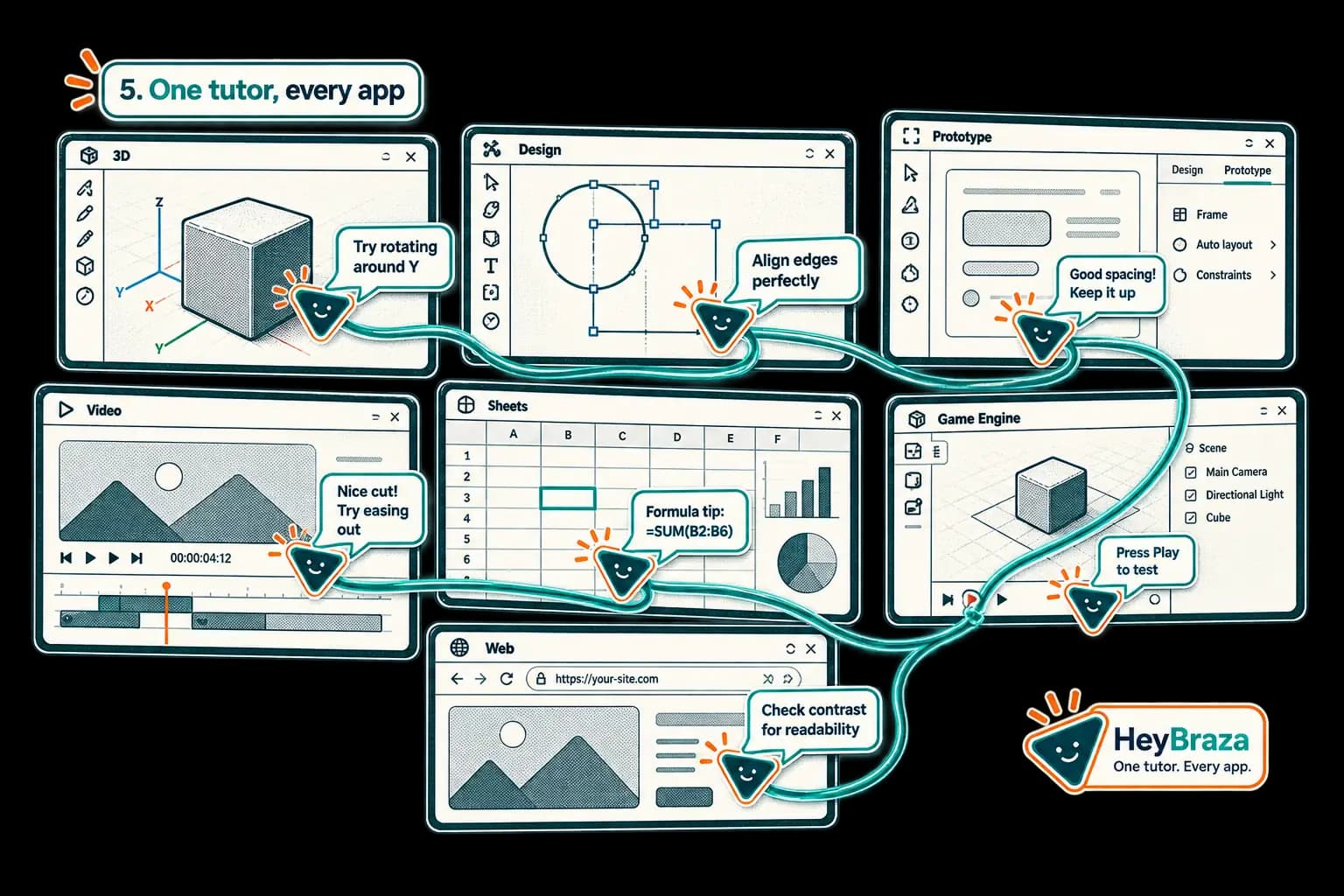
any app, website or workflow
Premiere, Figma, Blender, Excel, your company's weird internal tool, a site you've never seen - anything on your screen.
any question
“how do i do this,” “what does this button do,” “where is it,” “what's the shortcut for this,” “walk me through this,” “explain step by step” - just ask out loud.
most AI makes the tool do more. HeyBraza makes you know more.
a $100 course is 20+ hours of someone else's examples - you finish it and still get stuck on your own task. under 10% of people ever finish.
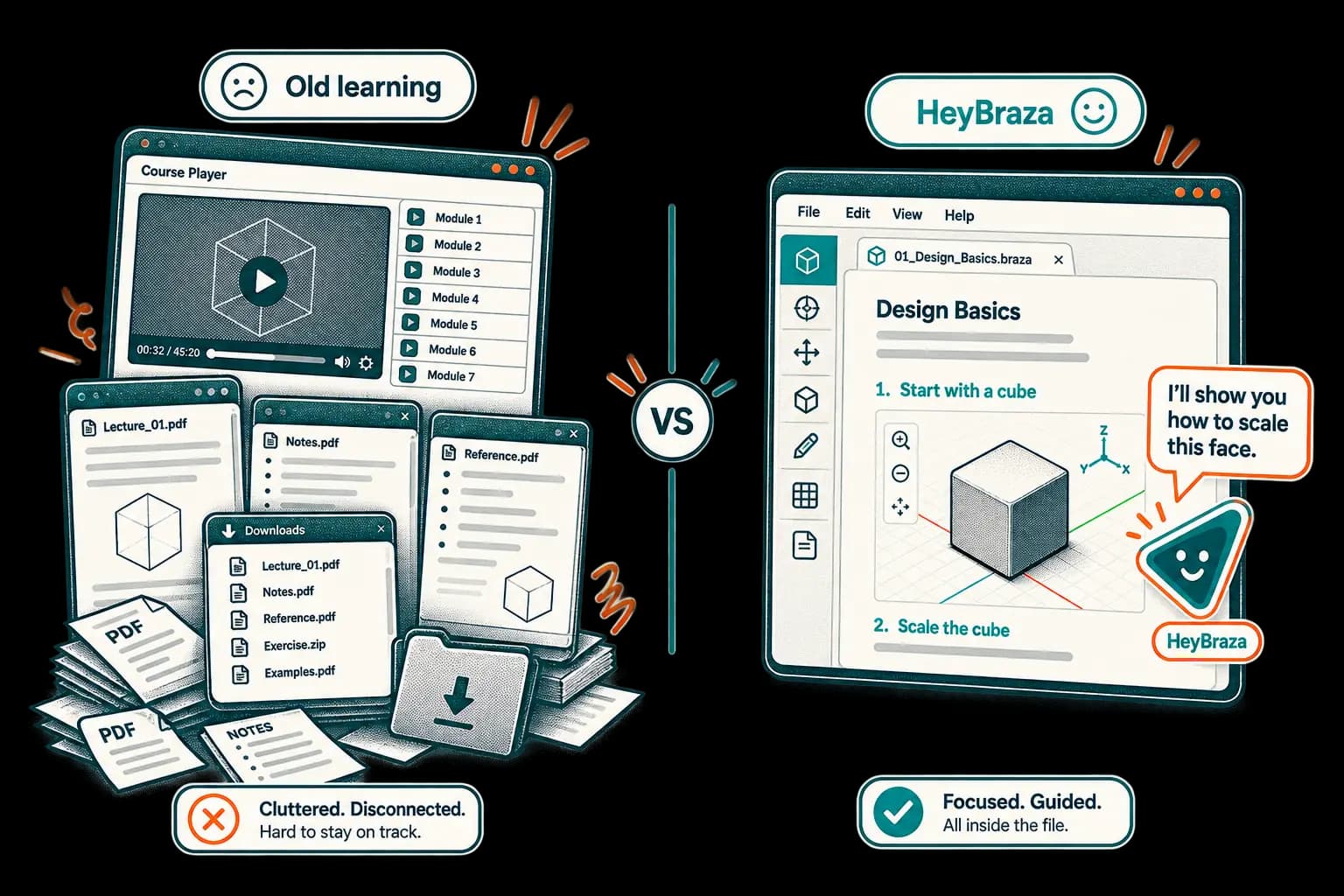
when an agent does it for you, the skill stays the machine's. do it yourself - guided live, on your own screen - and the skill is yours. the more everything gets automated, the more that's worth.
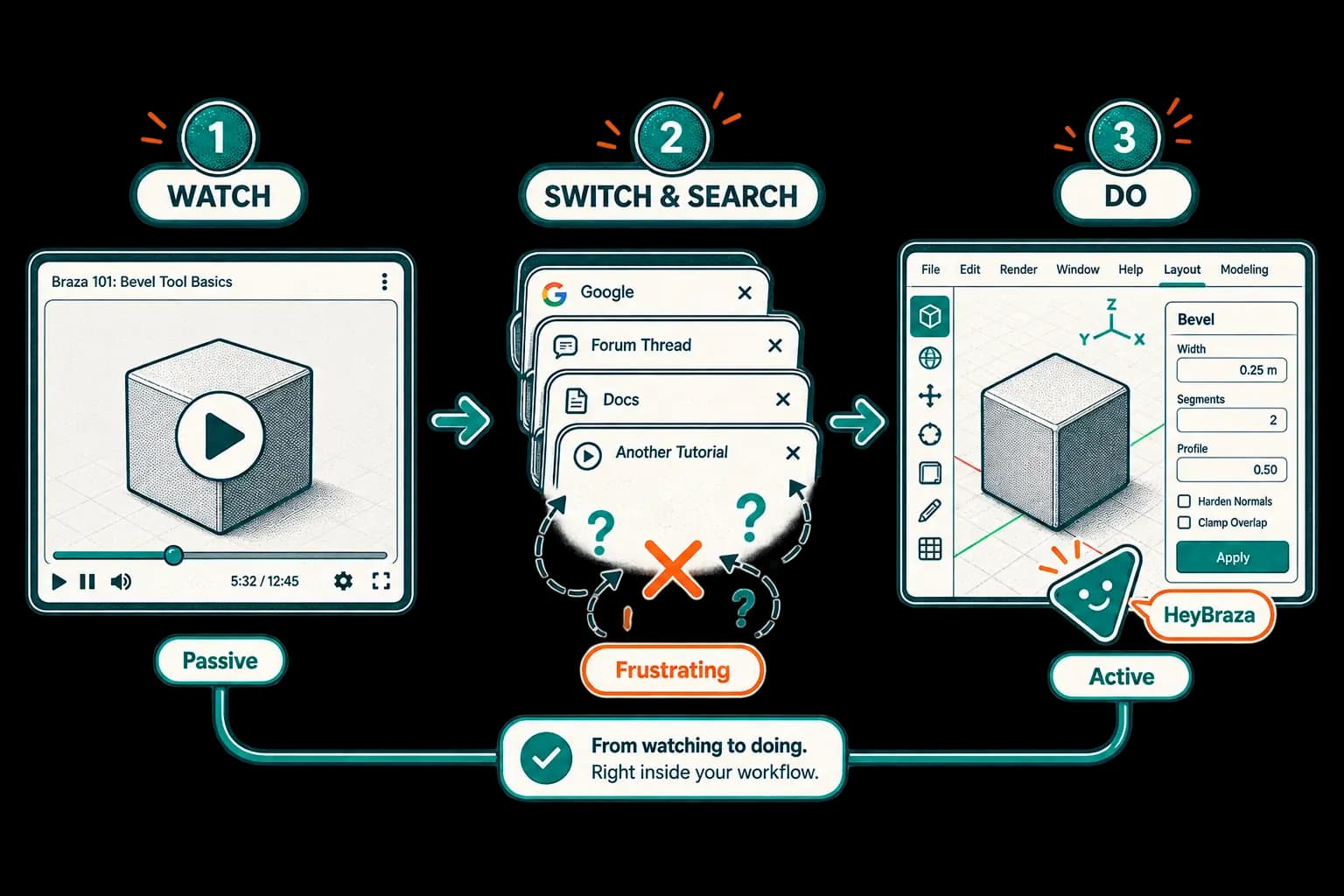
online learning is stuck in 2012.
live, interactive, inside the exact app you're in.
confident, generic, sometimes just wrong, and never on your screen.
rabbit holes, outdated steps, four ads deep.
$100+, 12-hour playlists, ~10% ever finished. forgotten by monday.
the old way
- ✕$100+ courses, 20+ hours, ~10% ever finished
- ✕long, outdated articles and YouTube holes
- ✕tab-switching away from your screen
- ✕theory you watch but never apply
the HeyBraza way
hands-on practice instead of another course. live on your screen, out loud, in whatever app you're already in.
 hands-on practice instead of another course. live on your screen, out loud, in whatever app you're already in.
one plan. every app, workflow, skill
a course is $100 for 20+ hours of someone else's examples. this is $10 a month of doing your own - in every app.
- 30 answers every 30 days
- 1 step-by-step course every 30 days
- works in every app · mac & windows
- 200 answers every 30 days
- 20 step-by-step courses every 30 days
- works in every app · mac & windows
- cancel anytime
get answers right on your screen
ask out loud in any app - HeyBraza points you to the exact next step.
questions people ask
what is HeyBraza?
HeyBraza is a small desktop app for windows and mac that teaches you software while you use it. you hold a hotkey, ask out loud what you're trying to do, and it looks at your screen and points at the exact button - in the app you're already in, on your own file. it's a new way to learn the tool itself - help that arrives during the work, on your own file, so you build the skill instead of watching someone else use theirs.
how is HeyBraza different from traditional online courses?
traditional courses teach you to watch. you sit through someone else's screen, in their version of the app with their files, then try to rebuild it on yours - alone, at the exact moment it gets hard. that gap is where the learning was, and it's also where the course ends: fewer than one in ten people ever finish one. HeyBraza is the new way of learning software - interactive, live, and inside the work itself. the lesson arrives on your own screen, on your real file, at the second you're stuck, and you make every click yourself, so the reps and the skill stay yours. it's the easier way to learn as well as the faster one: minutes on the thing you actually needed, instead of twenty hours of someone else's examples. it competes with the course, not with the app.
how much does HeyBraza cost?
freemium - free to start, then $10 a month. an old traditional course usually runs $100 and up.
which apps does HeyBraza work with?
any app it can see on your screen. it's used most in creative and design tools, but nothing is hard-coded per app - a spreadsheet, an accounting tool or a browser game works the same way.