online learning is stuck in 2012
every video, article, and chatbot still sends you off the screen you're working on
by Timur Latipov · · 4 min read · updated
the short version
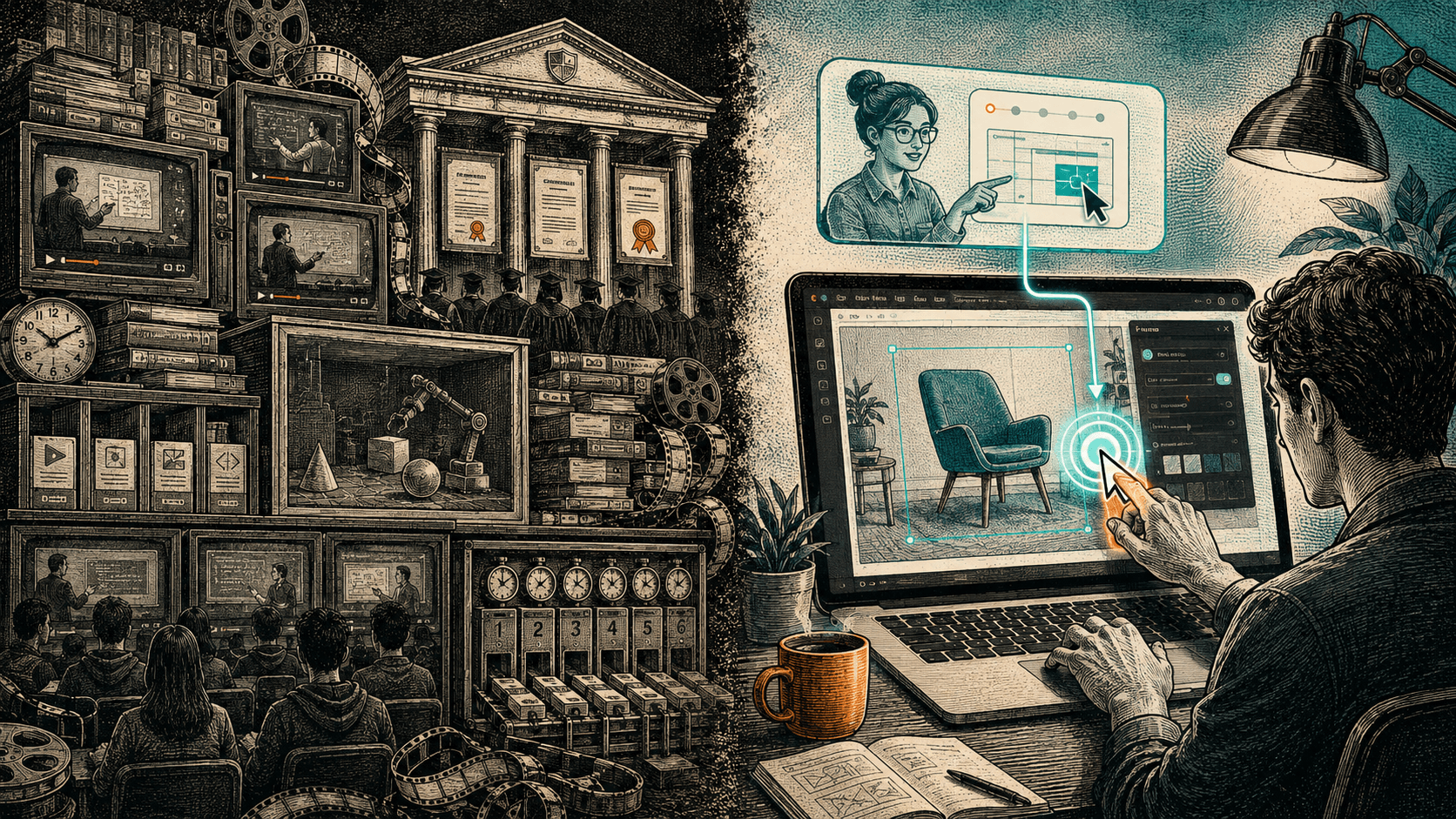
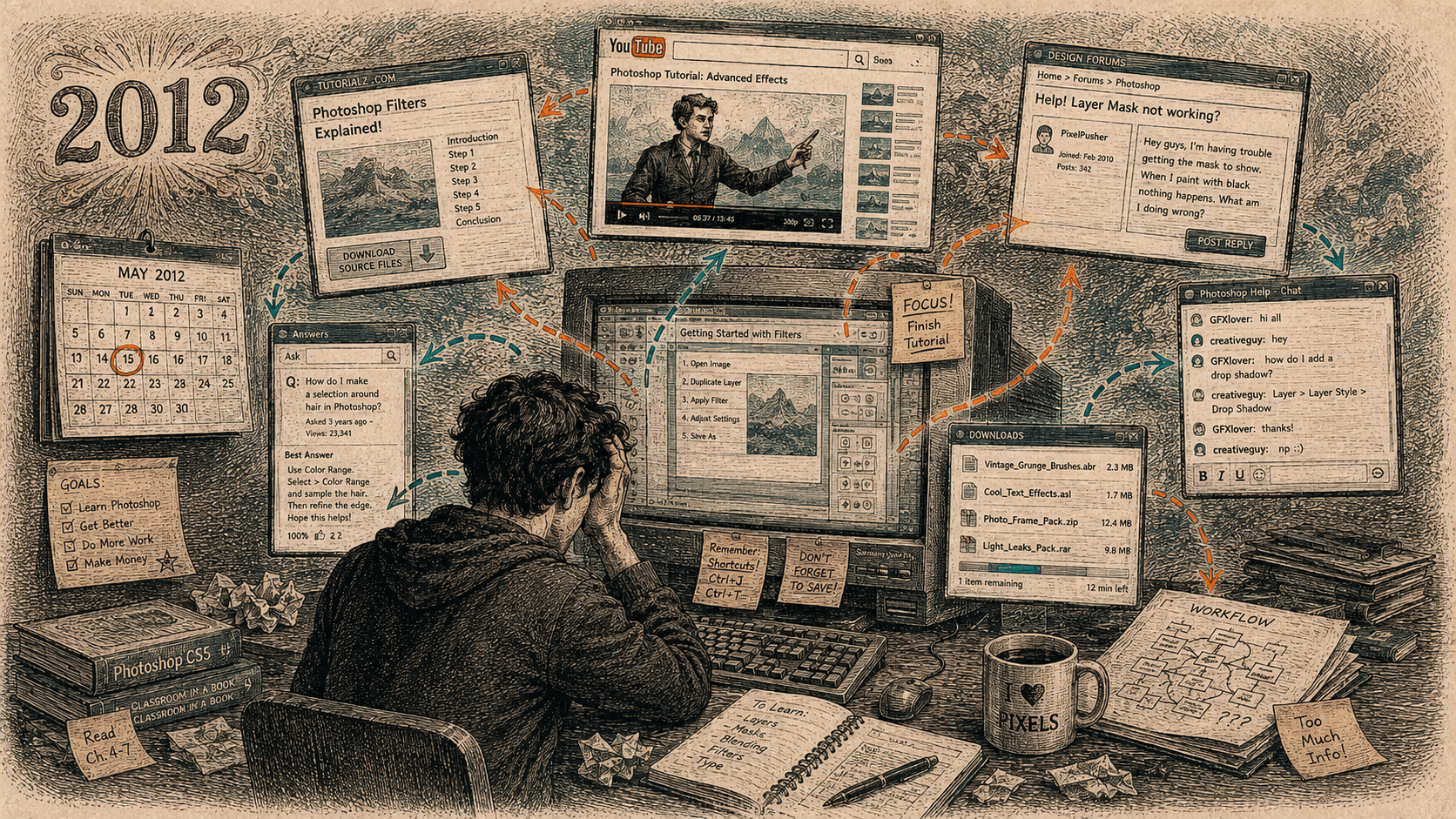
Online learning still behaves as though it's 2012, when no program could see your screen. Because help couldn't come to you, you had to go to the help - to YouTube, to an article, to a course in another tab - and then carry it back to your own work yourself.
That constraint is gone. Software can now see which app you're in and point at the actual button in front of you. The lesson can finally be both alive and right here, on the screen you're already looking at, which is the one combination nobody could offer before. Most of what we still call online learning was designed for a screen no program could see.
The best way to learn a piece of software used to be to leave it.
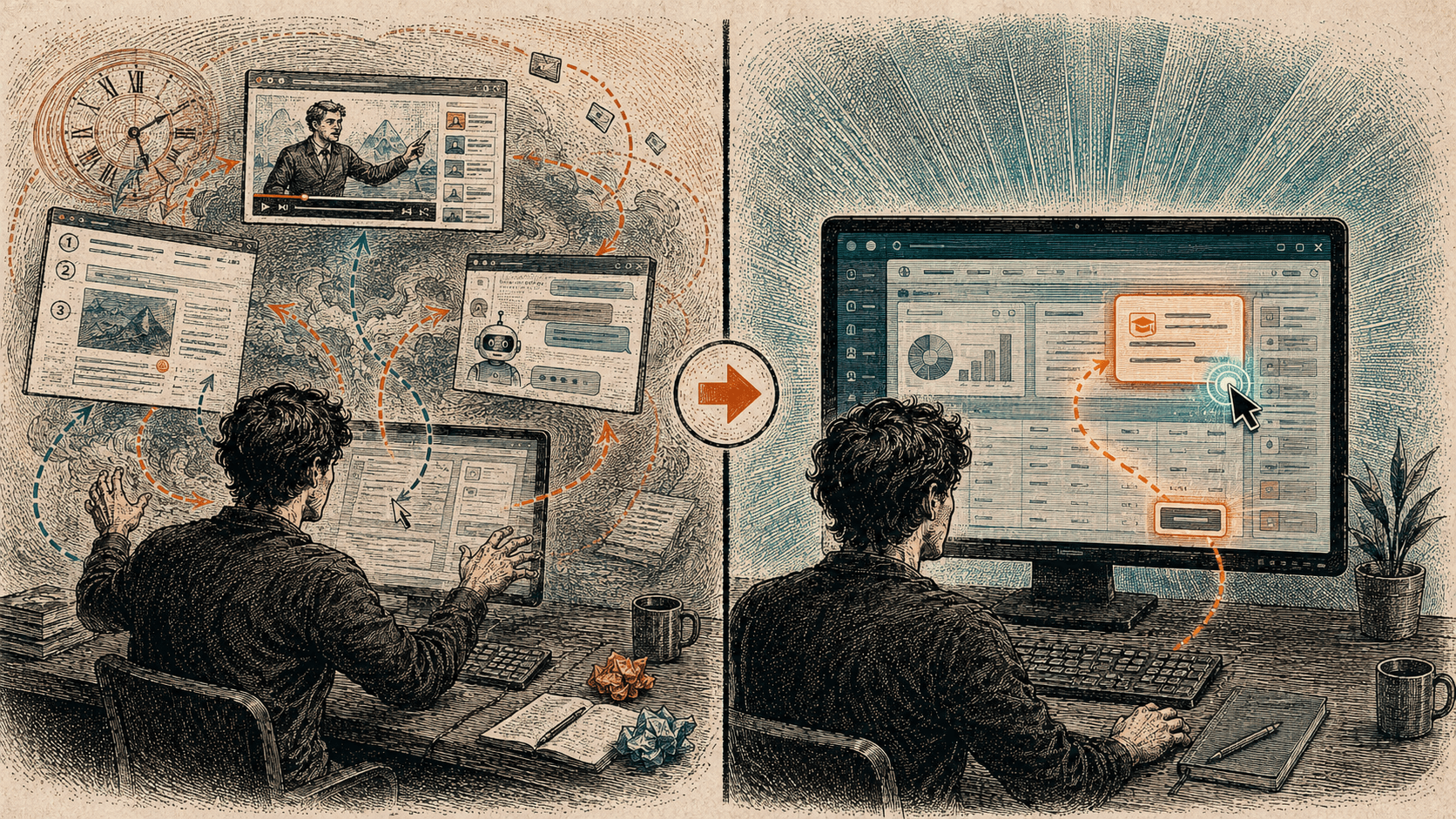
You'd be stuck in Photoshop, or Excel, or the accounting app your job just switched to, and the help was never in the app. It was on YouTube, or in a blog post, or in a course you'd bought and left open in another tab. So you'd stop what you were doing, go find the help, watch someone do the thing on their screen, then come back and try to do it on yours.
Nobody planned it this way. It was just what was possible. In 2012 a program had no way to see what was on your screen. It couldn't tell whether you were in Photoshop or a spreadsheet, never mind which button you were reaching for. So help couldn't come to you. You had to go to the help.
every format still makes you leave
Once you notice that constraint, you start seeing it everywhere. It's the shape of nearly everything we still call learning.
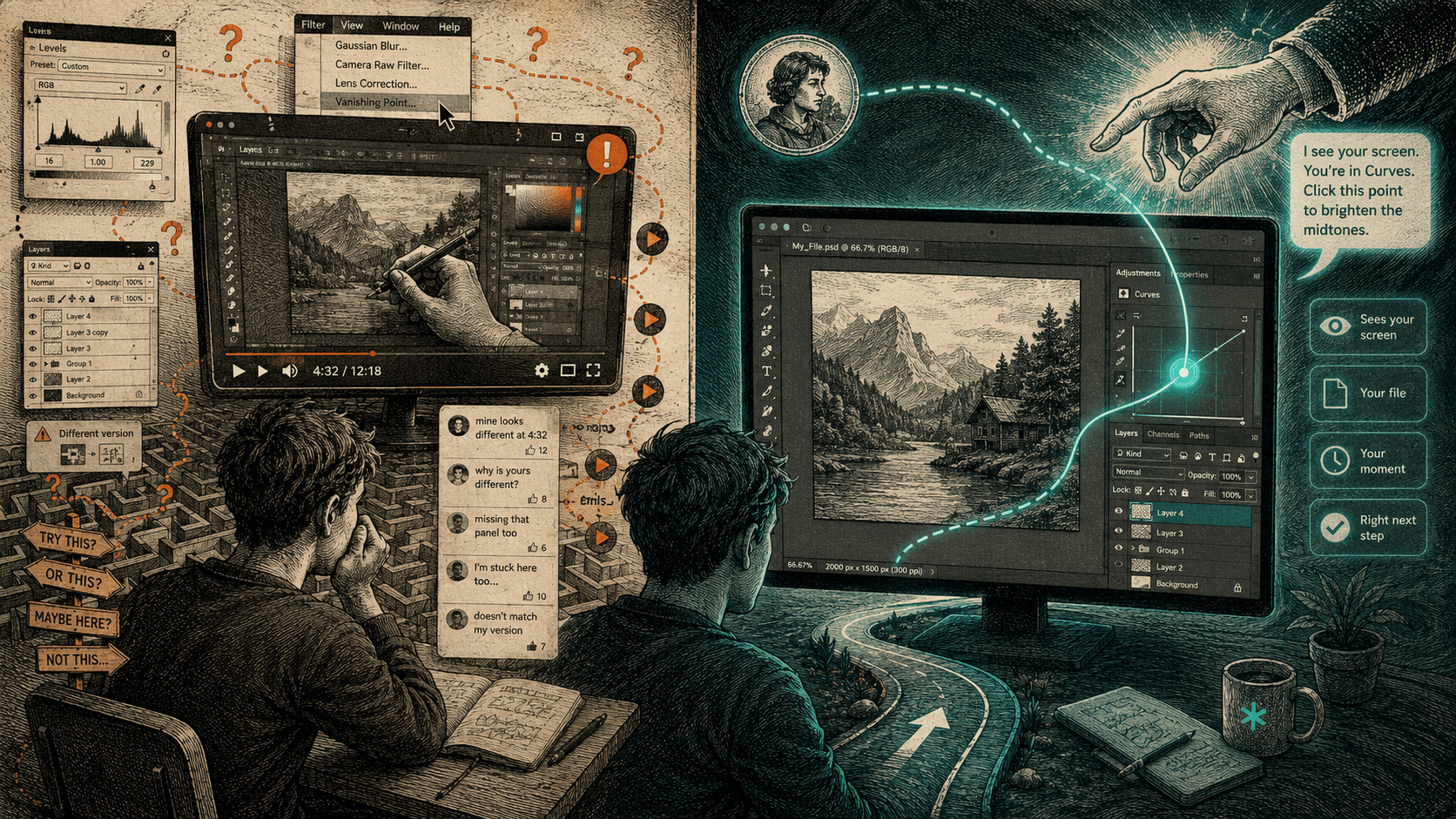
- A video is someone else's screen. You watch them click, in their version, with their files, and you do the translation in your head - their menu is where on mine?
- An article is worse, because now the screen has become a list of numbered steps and you're rebuilding the motion from a description of it.
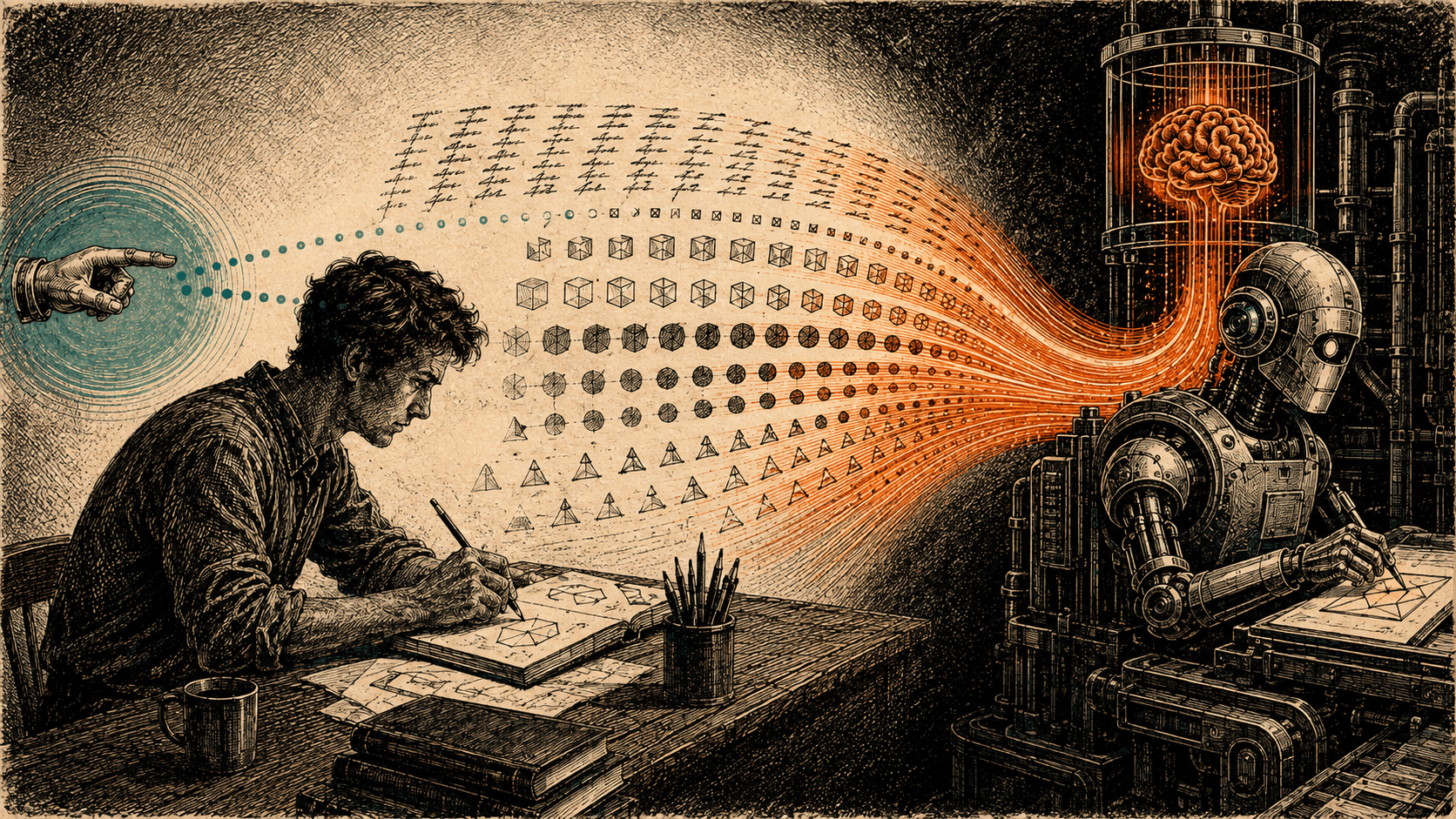
- Even the newest thing, asking an AI in a chat window, has the same shape. You describe your screen to it in words, it answers in words, and you carry those words back across the gap to the real app and hope they still fit.
Every one of these makes you leave. You go and get the help, and then you do the hardest part - putting it back where it belongs - by yourself.
the real cost isn't the price of the course
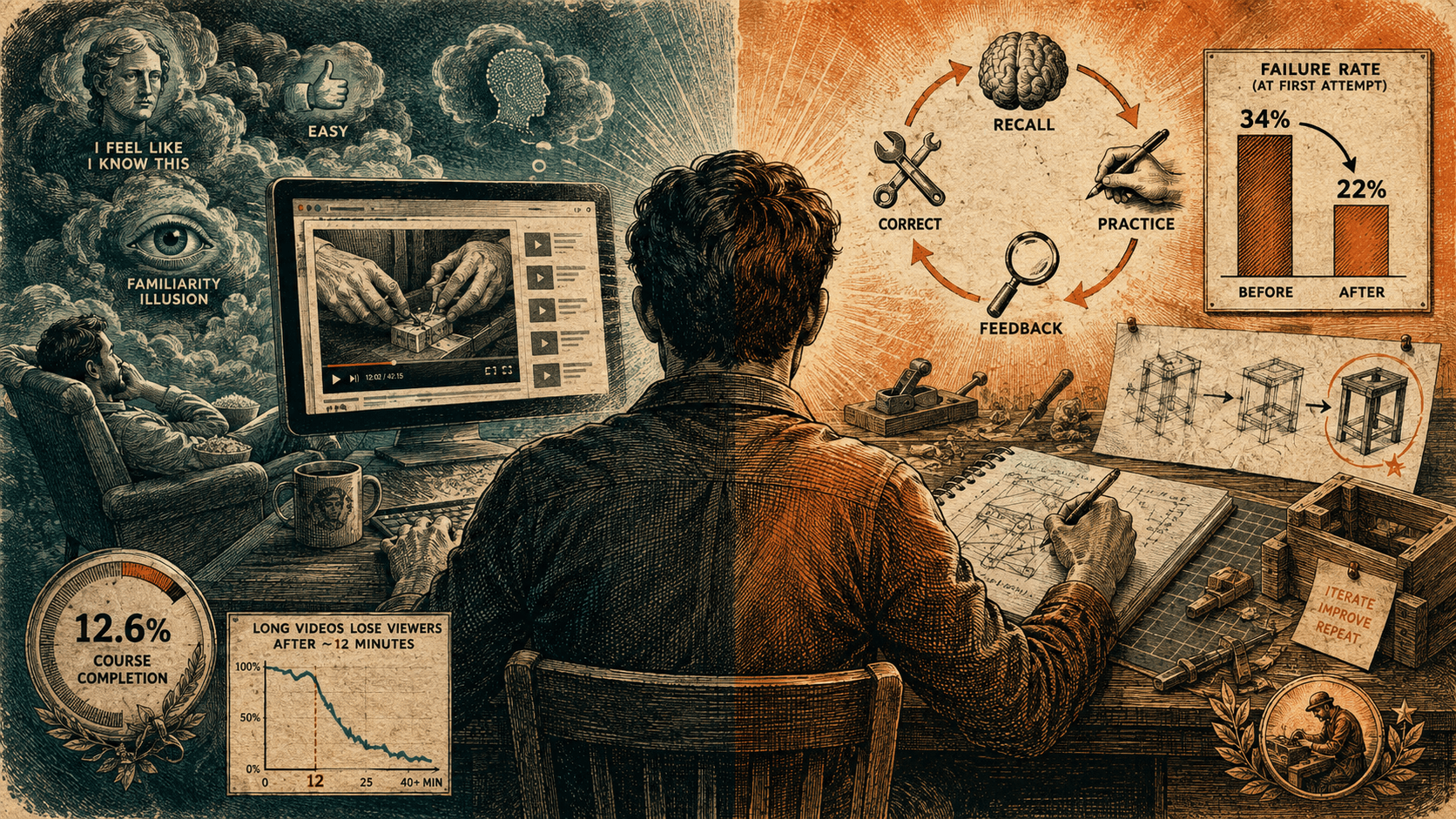
This is expensive in a way the receipt doesn't show. A course costs money, a hundred dollars and up, twenty hours and up, but the real cost is the trip. You break your own concentration, go off somewhere to learn the task in the abstract, and come back to a screen that has moved on without you. Most people never finish. Under one in ten finish an online course. I don't think that's because people are lazy; it's because the format asks you to learn the task everywhere except where the task is.
the constraint is gone
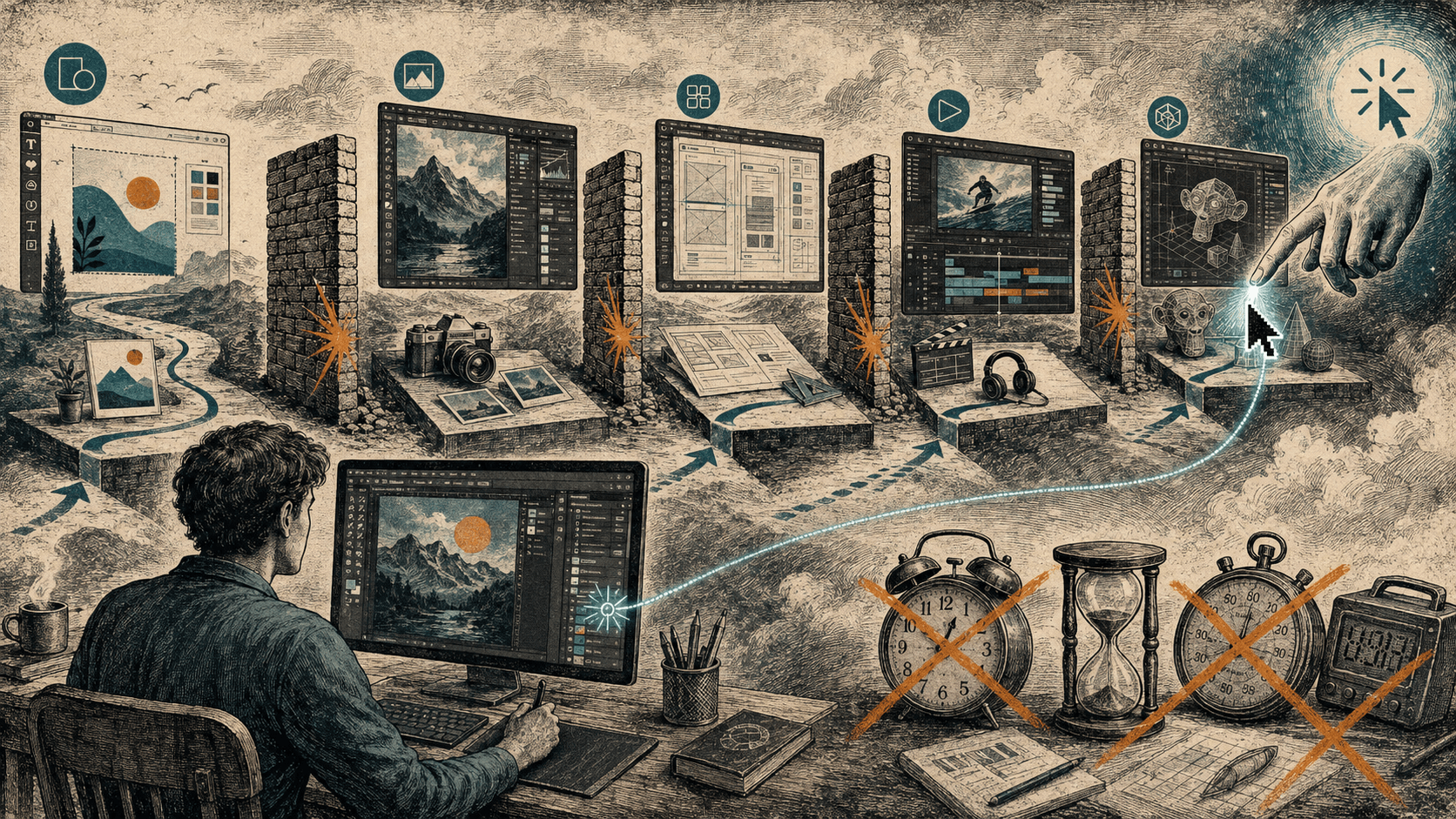
Software can see your screen. It can tell which app you're in - and the average company runs about a hundred of them - and it can point at the actual button, the one in front of you, instead of a picture of a different one.
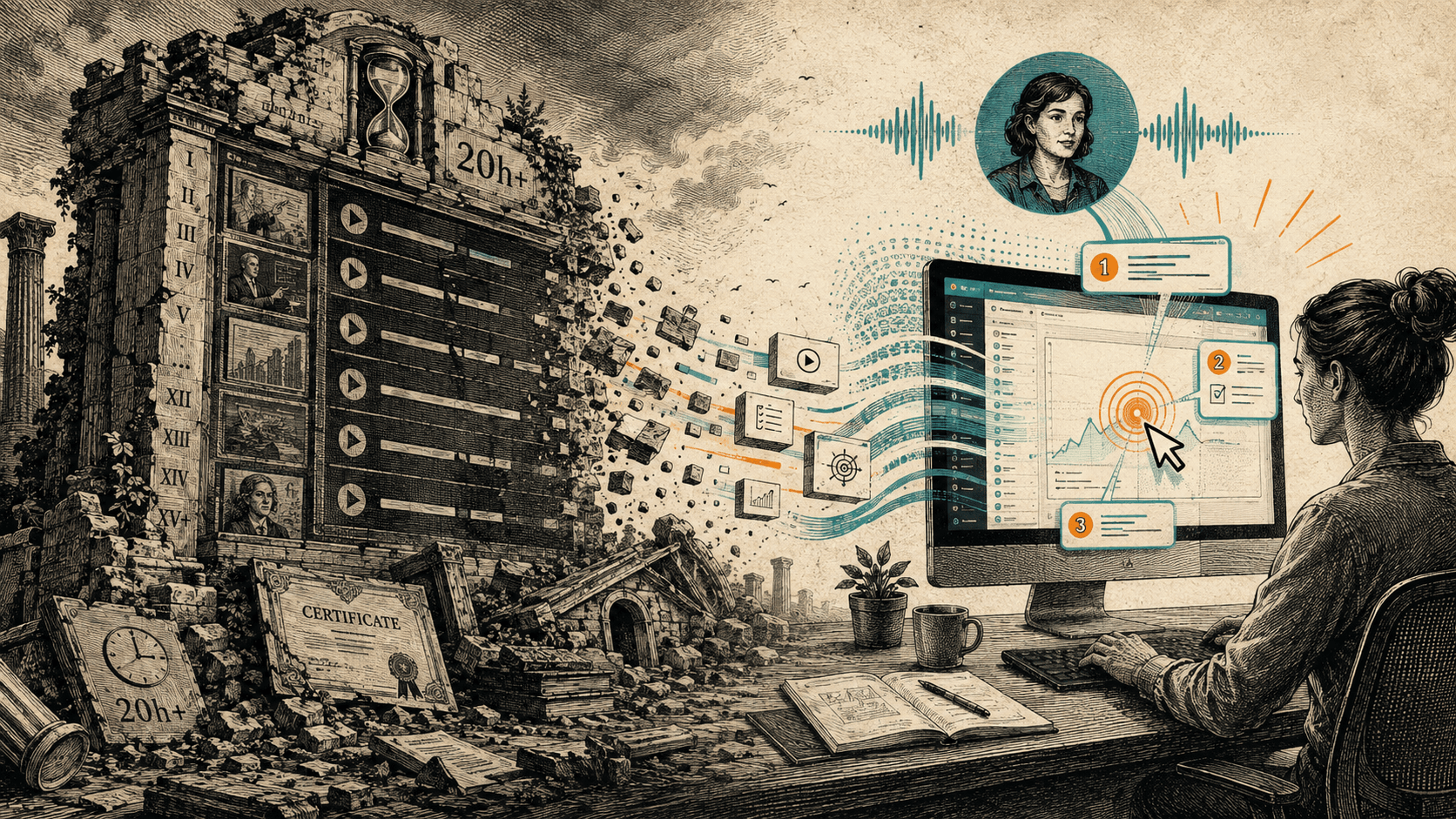
That small change turns the whole thing inside out. For twenty years the help lived somewhere else and you fetched it. Now it can come to where you already are and stay there while you work. You don't leave Photoshop to learn Photoshop. You do the real task, on your real file, and something stands beside you and points.
for twenty years the help lived somewhere else, and you were the one who had to carry it back.
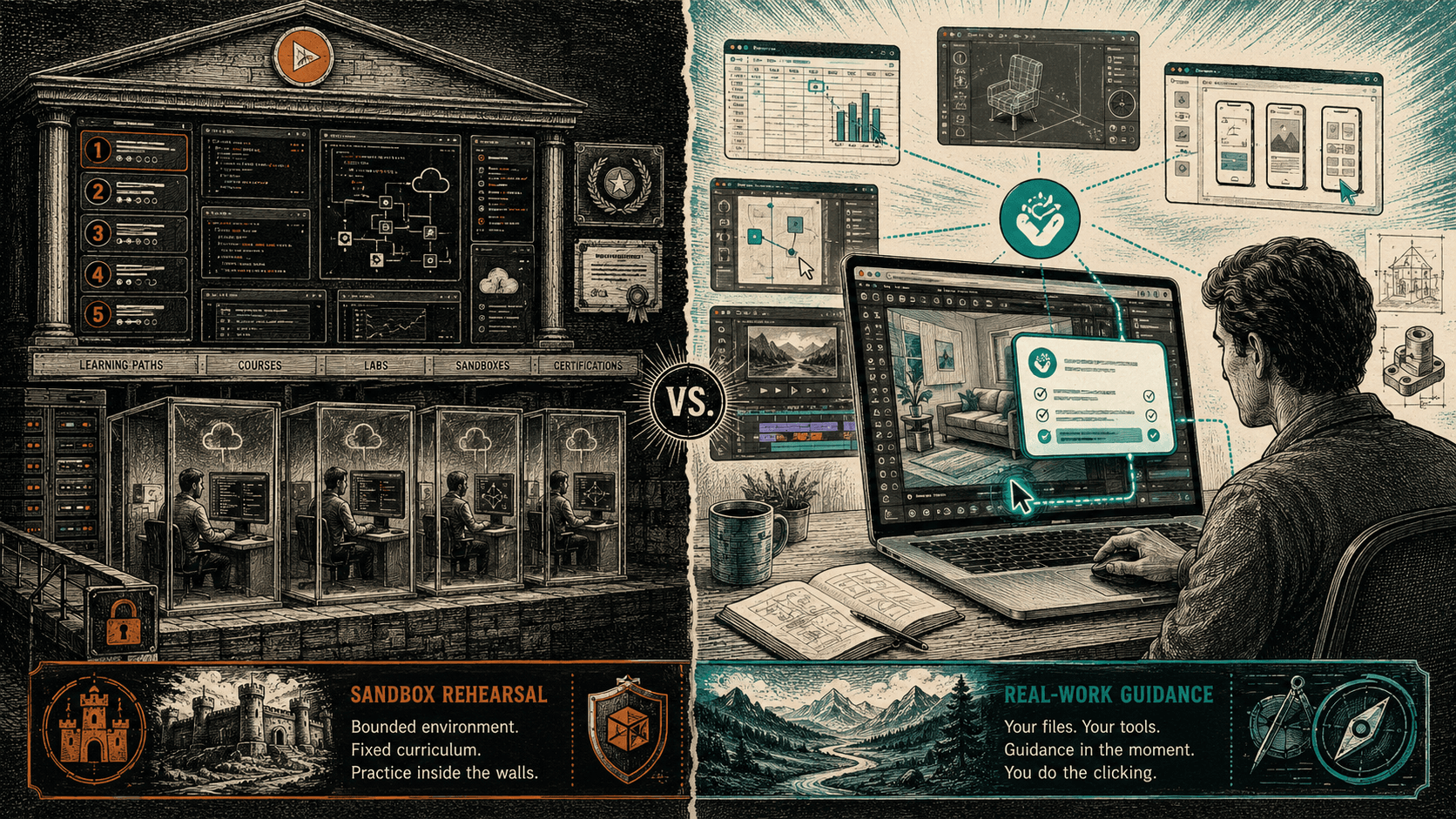
It's worth seeing how narrow the old choices really were. A lesson could be one of two things:
- Fixed: a video or an article, made once and identical for everyone.
- Alive, but somewhere else: a person or a chat you had to travel to.
The one thing no one could give you was the combination that turns out to matter most: alive, and right here, on the screen you're actually looking at. That option was empty because it was impossible.
It isn't impossible anymore. That's the whole thing.
the screen it was built for is gone
HeyBraza is one attempt at the option that used to be empty. When you're stuck in an app, it reads your screen and points at the real button in front of you, not a picture of someone else's. It's early, and it takes a beat to answer. But the shape is right, and the shape was the whole argument.
The tell, when you look at how people learn software today, is that all of it still assumes you have to leave. Video, articles, chat - every one of them was built for a screen no program could see. That screen is gone. Most of what we call online learning is still talking to it.
what to remember
- Learning left the app because, in 2012, software couldn't see your screen - not because leaving was better.
- Videos, articles, and AI chat all share one shape: they make you carry the help back to your own work.
- The expensive part of a course isn't the price, it's the trip away from the task.
- Software can now see which app you're in and point at the real button in front of you.
- The combination that was impossible before - alive and right here - is the one that matters most.
questions people ask
What does "online learning is stuck in 2012" mean?
It means most learning tools still act as though software can't see your screen. Back then it couldn't, so help had to live elsewhere - in videos, articles, and courses - and you had to leave your work to get it. Screens are readable by software now, but the formats never changed.
Why is leaving the app to learn so costly?
The real cost is the trip. You break concentration, learn the task in the abstract somewhere else, then translate the instructions back onto your own screen alone. That translation is the hardest part and you do it unaided, which is a large part of why fewer than one in ten people finish an online course.
What changed to make in-app guidance possible?
Software can now see and understand what's on your screen. It can tell which app you're in and point at the actual control in front of you rather than a picture of one from someone else's setup. That makes just-in-time, screen-aware help possible for the first time.
Isn't asking an AI chatbot already good enough?
A chat window has the same shape as a video: you describe your screen in words, it answers in words, and you carry those words back to the real app and hope they still fit. It's alive, but it's still somewhere else. What was always missing is guidance that is alive and on the screen you're using.
How does HeyBraza fit this shift?
HeyBraza stays inside the work. You hold a key, ask out loud in whatever app you're in, and it points at the next step on your own screen. It's early and it takes a beat to answer, but it competes with the course, not with the app.
sources
// learn a specific app
 learn photoshop
 learn illustrator
 learn affinity photo
 learn sketch
stop reading. go do something - guided, on your own screen.
try for FREE today