HeyBraza vs Pluralsight
Pluralsight is the course platform with real hands-on labs. here's the honest comparison, and the line those labs don't cross.
by Timur Latipov · · 8 min read
the short version
Pluralsight is the strongest version of the course-platform model: a subscription focused on developer, IT, cloud, data and security skills, with about 6,500 courses and - unusually - around 3,500 hands-on labs and cloud sandboxes where you actually type and run things. Of all the course platforms it's the one where "it's all just passive video" would be unfair, and it's worth saying so plainly.
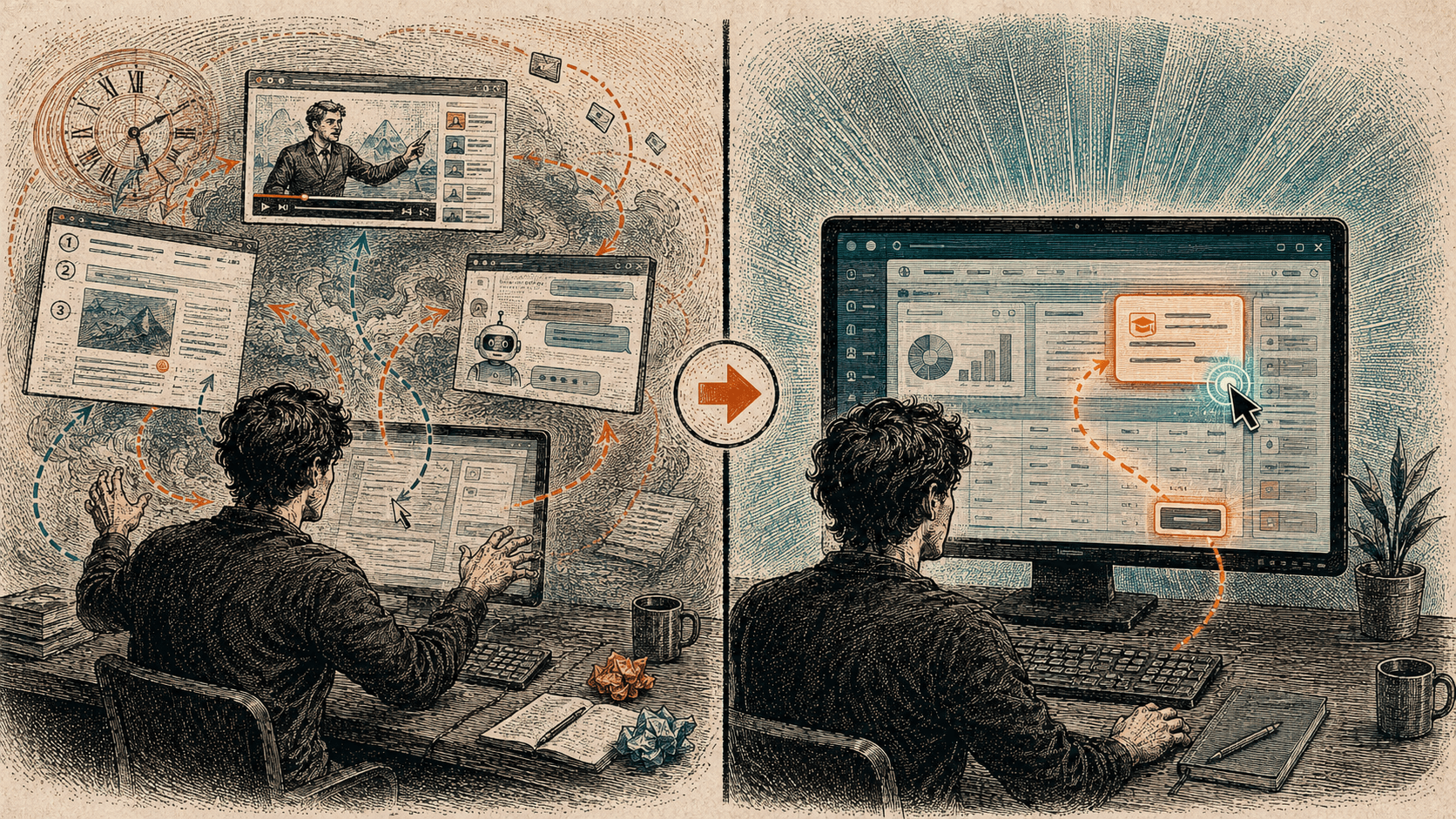
The real difference isn't video versus interactive. Pluralsight's labs are exercises inside Pluralsight's own fixed curriculum, in a walled sandbox, narrow to dev and IT. HeyBraza is a different category: a new way to learn any app by doing your own real work - you ask on your own screen, in your own file, and it shows you the next step while you make the click, across any tool, getting better at the apps you actually use. So it's not "which subscription is cheaper" so much as "someone else's syllabus and sandbox" versus "your work, as the curriculum."
People ask whether HeyBraza is a Pluralsight alternative, and it deserves a more careful answer than the other course comparisons, because Pluralsight is the one platform where the easy dismissal - "it's just video you watch" - isn't true. It has genuine hands-on practice, and pretending otherwise would be dishonest. So let me be fair to it first, then draw the line that actually matters.
The short version: Pluralsight is the best-built house on the old street. HeyBraza isn't a better house - it's a different way to live. If what you want is a structured path through developer and IT skills with real labs attached, Pluralsight is a serious tool. If what you want is to get good at whatever app is open in front of you, by doing your own work, that's a different thing entirely.
what Pluralsight actually is
Pluralsight is a subscription, and only a subscription - there's no meaningful free tier and nothing to buy a la carte. It aims squarely at technology skills: software development, IT operations, cloud, data, security. That focus is a real strength for its audience and a hard boundary for everyone else. If you're learning a developer or cloud stack, the catalog is deep and coherent. If you're learning Blender, Photoshop, Premiere, Figma, After Effects, a spreadsheet, a CAD tool, a music-production app - most of what people actually sit down to learn - it isn't for you, and doesn't pretend to be.
By the numbers it's large: roughly 6,500 courses, about 900 learning paths, and around 170 certification-prep paths, the kind of thing you grind through before a cloud exam. Individual plans run about $29 a month on the Standard tier and about $45 a month on Premium - roughly $299 and $499 paid yearly - with team plans near $399 per user per year and a heavy enterprise tilt. Among the mainstream tech-learning subscriptions, it's generally the priciest. You're paying for the breadth and the labs, not for a bargain.
the labs are real - say so
Here's the part that makes Pluralsight the honest exception. Alongside those courses it offers around 3,500 hands-on labs and cloud sandboxes: environments where you're not watching a recording, you're in a real terminal or a real cloud console, typing commands and seeing them run against actual infrastructure. That is genuine learning by doing, and it's more than Udemy, Coursera or the bootcamps put in front of you. If someone tells you every course platform is just passive video, they haven't used Pluralsight's labs.
This matters because the research is unambiguous that doing beats watching - active practice moves the skill in a way that a forty-minute tutorial never does. Pluralsight took that seriously and built for it. Credit where it's due: a sandbox you can break and rebuild is a far better teacher than a video you nod along to. So the interesting question isn't whether Pluralsight's practice is real. It's what that practice is of.
where the labs stop
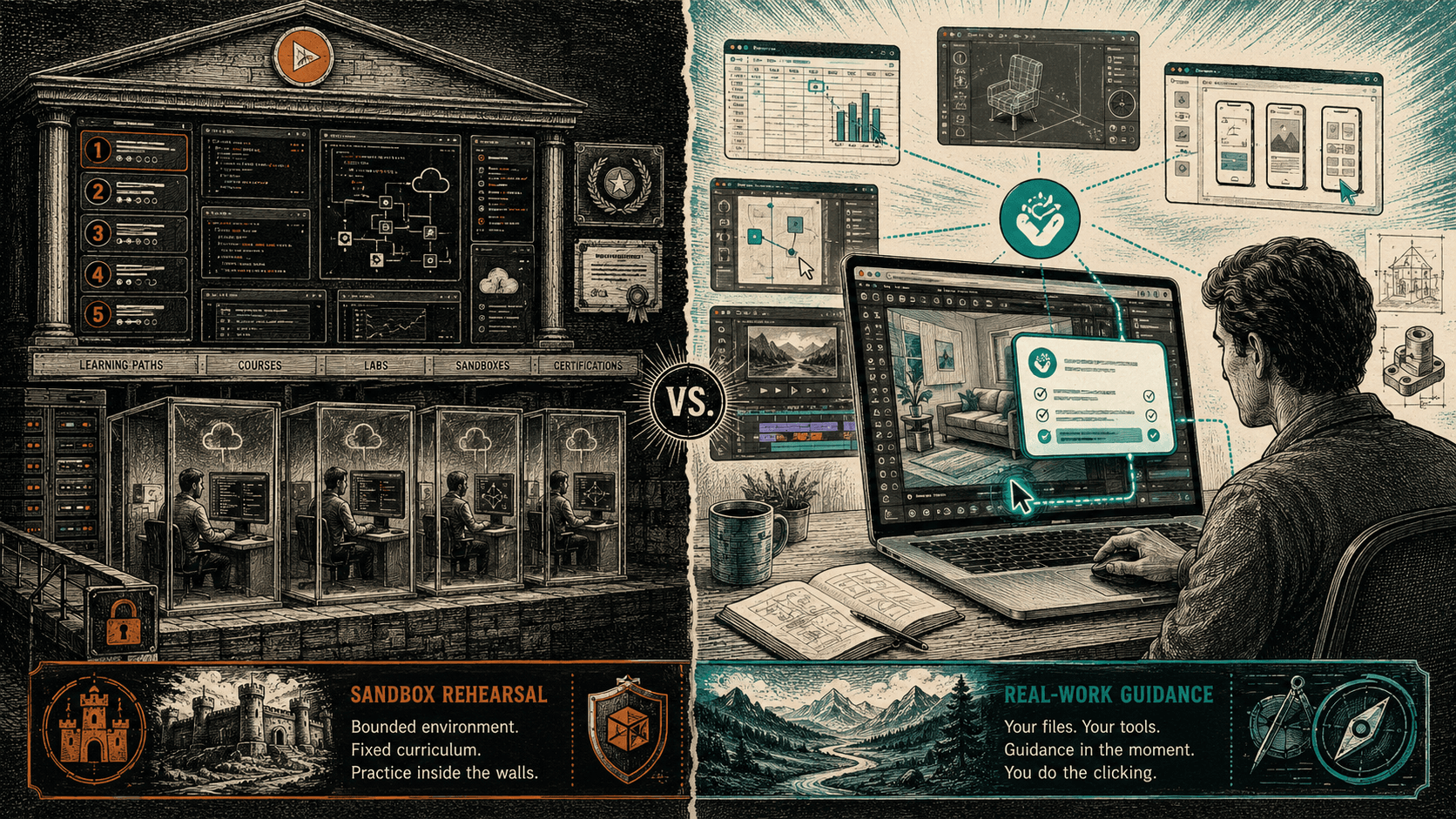
A Pluralsight lab is an exercise Pluralsight designed, in a sandbox Pluralsight built, following a path Pluralsight laid out in advance. You spin up their scenario, complete their steps, and tear it down. It's excellent at what it is - a rehearsal on a stage set. But it is still someone else's curriculum, in a fixed order, on a fixed task, in a walled environment that isn't your machine and isn't your work.
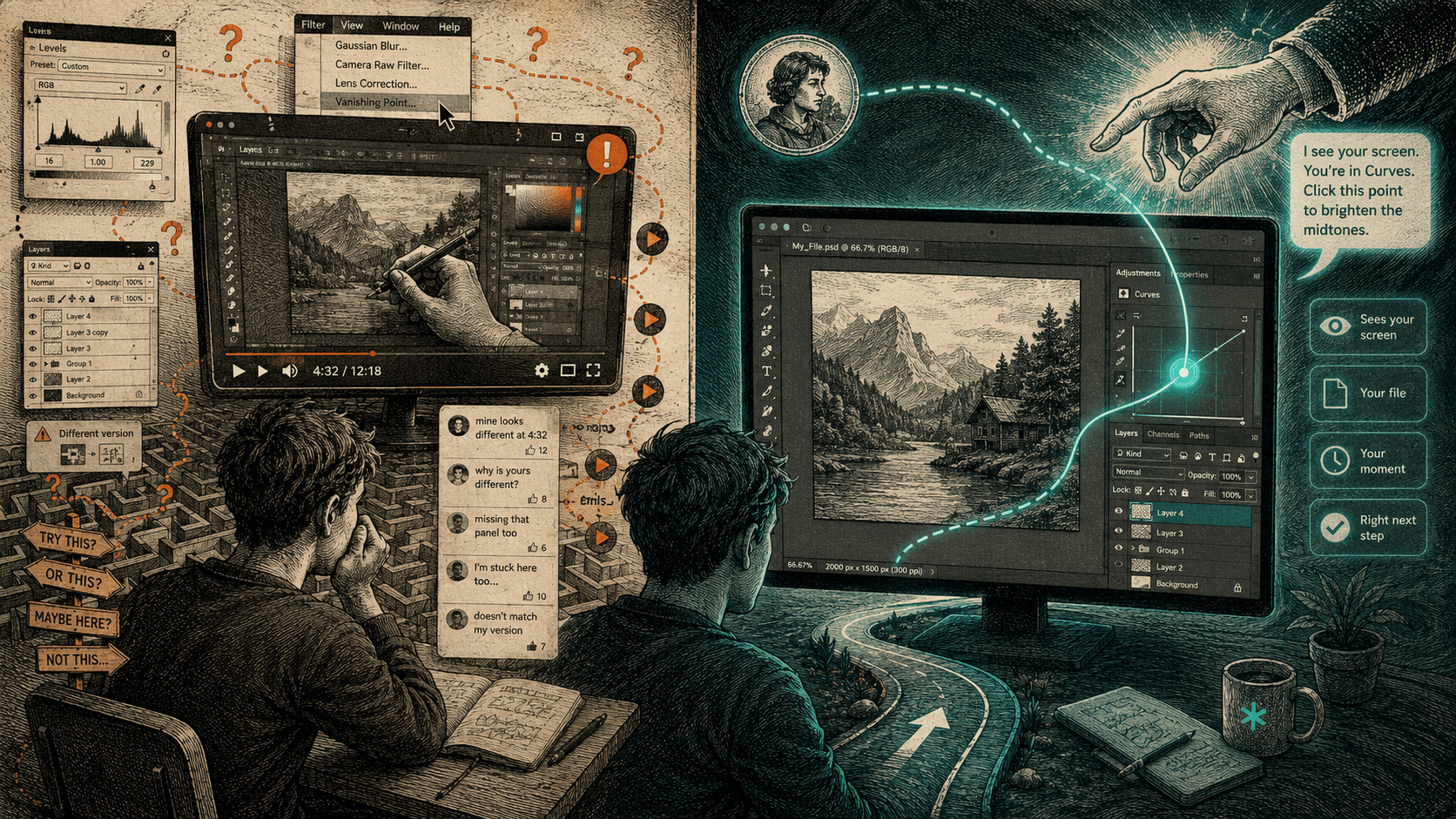
The line that matters runs right there. There's a difference between practicing on a scenario built for a course and getting guidance on the real file open on your screen right now - the deck due tomorrow, the render that came out wrong, the layout you're mid-way through, the actual thing you sat down to do. A lab can't meet you inside your own project, because it doesn't know your project exists. It knows the sandbox. Your work happens after the lab ends, alone, which is the same gap every course leaves - the help stops exactly where the real task begins.
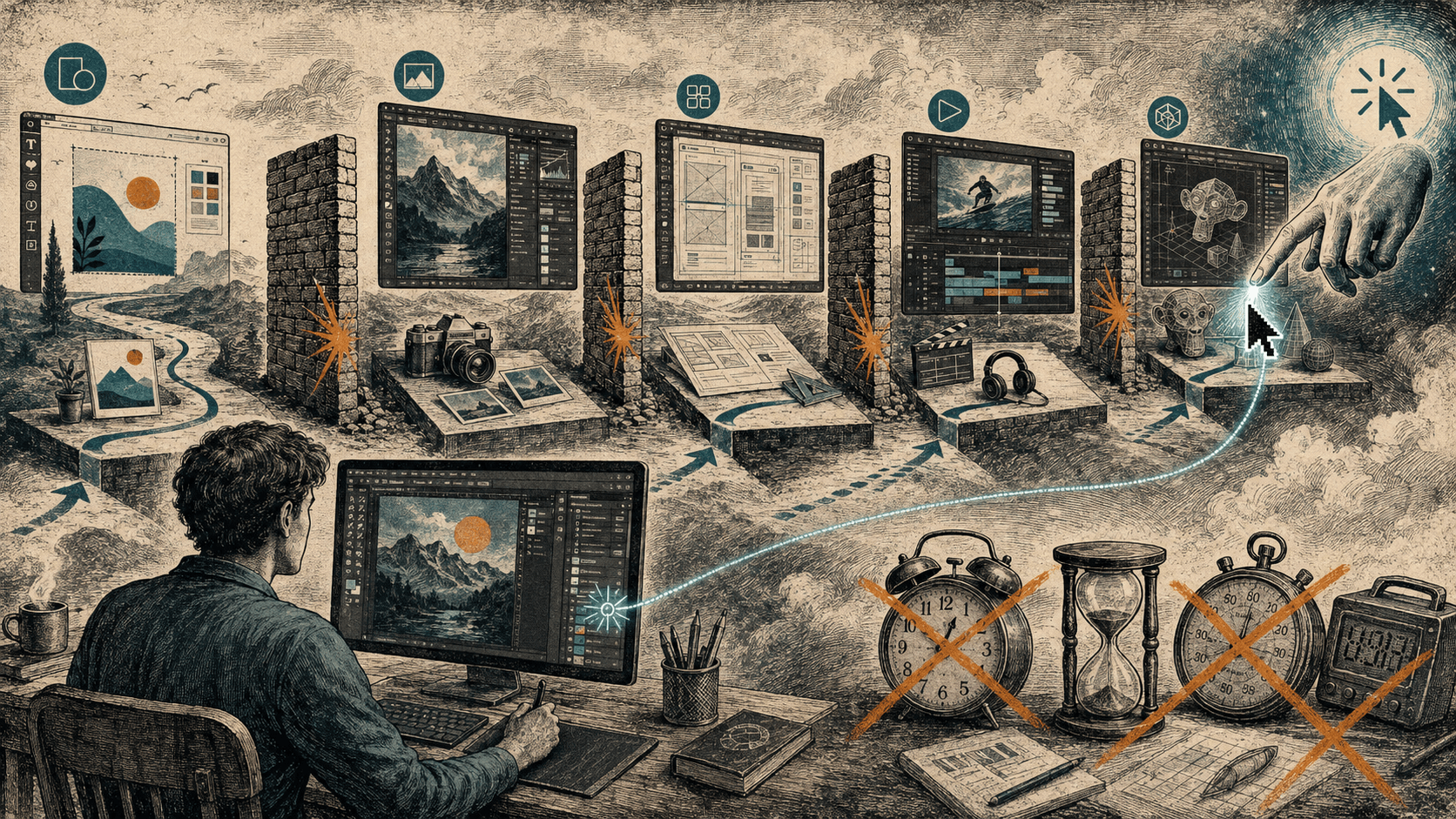
And it's bounded to dev and IT by design. The moment your work crosses into 3D, video, motion graphics, design, audio, CAD or a workflow that spans several apps at once, the labs have nothing to say, because their scope is a syllabus, not your screen.
Pluralsight's lab is a rehearsal on a stage set. HeyBraza is a guide standing next to you while you do the real thing, on your own file.
so it's not really video vs interactive
With the other platforms the honest critique is "you're watching someone else's screen." With Pluralsight that critique doesn't land, so the real distinction has to be stated more precisely: it's fixed curriculum plus sandbox versus your own work as the curriculum.
- The material. A lab teaches on a scenario Pluralsight prepared. HeyBraza teaches on the file you already have open - your project is the lesson, so there's nothing to reproduce afterward.
- The order. A learning path is module 1, then module 2, decided before you arrived. HeyBraza has no fixed order - your goal and your screen set the path, at the moment of need.
- The scope. Pluralsight covers dev, IT, cloud, data and security. HeyBraza has no catalog and no boundary - if it's on your screen, in any app, it's teachable.
- The method. A lab checks whether you completed its steps. With HeyBraza your own click on your own task is the proof - it shows you the next step and withholds the rest, so your hand does the work and the skill stays yours.
what HeyBraza is instead
HeyBraza is a new way to learn the software you actually use. You hold a key, ask out loud in whatever app you're in - Figma, Blender, Premiere Pro, DaVinci Resolve, a spreadsheet, a music-production or CAD tool - and a guide on your screen sees your screen when you ask and shows you the exact next step, in your version, about your file. You make the click yourself. It takes a beat and it's no magic trick, but the lesson lands on your real work instead of in a sandbox someone else built.
Because the unit is one step on your own task, it meets you wherever you actually are, not just at the moments a syllabus anticipated. Your first hour in a brand-new tool, aiming at one real result. Carrying a skill across - "I know Photoshop, show me the Figma way to do this." A faster route through a task you already know how to do, just slowly. A workflow that moves between three apps that no single course covers. Getting unstuck is in there too, but it's the smallest version of the thing, not the whole of it.
And it compounds in a way a course library can't. A subscription resets you to a stranger every session - the catalog doesn't remember what you learned last week. HeyBraza is one guide over months: it fades as you get abler, so the help shrinks instead of repeating itself, and it gets better at the specific tools you keep using and remembers you across them. The proof isn't a certificate or a completed learning path. It's the finished work sitting on your screen.
To be fair to Pluralsight one more time: if your goal is a structured, certification-shaped run through cloud or IT skills, with sandboxes to rehearse in, it's a strong, serious product and HeyBraza doesn't try to be that. But that's still the old shape - a fixed path someone else built, that ends where your real work begins. HeyBraza competes with the shape, not the brand. It isn't a cheaper Pluralsight or a broader one. It's a different answer to the question underneath both: how do you actually get good at the app in front of you? You get good by doing your own work, with a guide on the screen while you do it - and that's the part no fixed curriculum, however good its labs, was ever built to give you.
what to remember
- Pluralsight is the honest exception among course platforms: it has genuine hands-on labs, not just video - about 3,500 labs and cloud sandboxes.
- It's subscription-only and narrow to developer, IT, cloud, data and security skills - roughly 6,500 courses, ~900 learning paths, ~170 certification paths.
- Individual plans run about $29-$45 a month (~$299-$499 a year); it's generally the priciest mainstream tech-learning subscription, with no real free tier.
- The real distinction isn't video vs interactive - it's a fixed sandbox curriculum versus your own real work as the lesson.
- A Pluralsight lab teaches on a scenario Pluralsight designed; HeyBraza shows you the next step on the file open on your screen right now, in any app.
- HeyBraza compounds - one guide over months that fades as you improve and gets better at the tools you use - where a catalog resets you to a stranger each session.
questions people ask
Is HeyBraza a Pluralsight alternative?
Only in the loose sense that both help you learn software. Pluralsight is a subscription library of courses and hands-on labs, focused on developer and IT skills. HeyBraza isn't a library at all - it's a new way to learn any app by doing your own work: you ask on your own screen, in your own file, and a guide shows you the next step while you make the click. If you specifically want structured, certification-shaped dev/IT training with sandboxes, Pluralsight is built for that; if you want to get good at whatever app is open in front of you, HeyBraza fits better.
Does HeyBraza have hands-on labs like Pluralsight?
Not in Pluralsight's sense, and it doesn't need them. A Pluralsight lab is a sandboxed exercise inside its own curriculum - a rehearsal on a scenario the platform designed. HeyBraza skips the rehearsal: instead of practicing on a prepared task, you work on your own real file in your own app, and it shows you the next step while you do it. The "lab" is your actual project, so there's nothing to reproduce afterward.
Which is cheaper, HeyBraza or Pluralsight?
Pluralsight is subscription-only, roughly $29-$45 a month (about $299-$499 a year) for individuals, with no meaningful free tier - generally the priciest of the mainstream tech-learning subscriptions. HeyBraza has a free tier and HeyBraza Plus at $10 a month. But price isn't really the axis: they're different categories. You're comparing a catalog of dev/IT courses and labs against a guide that teaches you any app by doing your own work.
Does HeyBraza cover developer and IT skills like Pluralsight?
Pluralsight is deliberately deep and narrow - developer, IT, cloud, data and security, with certification paths for cloud exams - and for that structured, exam-shaped path it's the stronger tool. HeyBraza is the opposite shape: no catalog and no boundary. It works in whatever app is on your screen, so it reaches the tools Pluralsight doesn't touch - 3D and modeling, video editing, motion graphics, design, audio, CAD - and teaches by doing your own work rather than following a fixed syllabus.
Is Pluralsight just passive video?
No - and it's the one course platform where that criticism is unfair. Alongside about 6,500 courses it has around 3,500 hands-on labs and cloud sandboxes where you actually type and run things, which is genuine learning by doing. The catch isn't that its practice is fake; it's that the practice happens inside Pluralsight's own fixed curriculum and sandbox, not on the real file and real task you actually sat down to do.
sources
// learn a specific app
 learn blender
 learn figma
 learn premiere pro
 learn photoshop
stop reading. go do something - guided, on your own screen.
try for FREE today