canva · HeyBraza shows you
canva background remover not working
HeyBraza watches your screen, spots why the remover is stalling, and points you to the exact fix.
that's HeyBraza. it shows you the exact step on your own screen while you do it yourself. get it →
canva's background remover usually works in one click - until it greys out or just does nothing. it's almost always one of a few fixable causes, not a real bug. here's how to tell which one is yours and get it running again.
short answer
the background remover is canva pro only, so it silently does nothing if your plan lapsed. if the button is there but greyed out, the image is a premium stock photo - replace it with your own upload and it works.
or do it yourself
- 1check you're on canva pro or a trial - the background remover is a pro-only tool and silently does nothing if your plan lapsed.
- 2select the image, click 'edit photo' in the top toolbar, and open background remover under magic studio.
- 3if it's greyed out, the element is a premium stock photo - replace it with your own uploaded image and try again.
- 4still nothing? re-upload the file as a fresh png; a corrupted or oversized image can stall the tool.
- 5refresh the page or switch to chrome - a long editing session can break magic studio until reload.
steps last checked
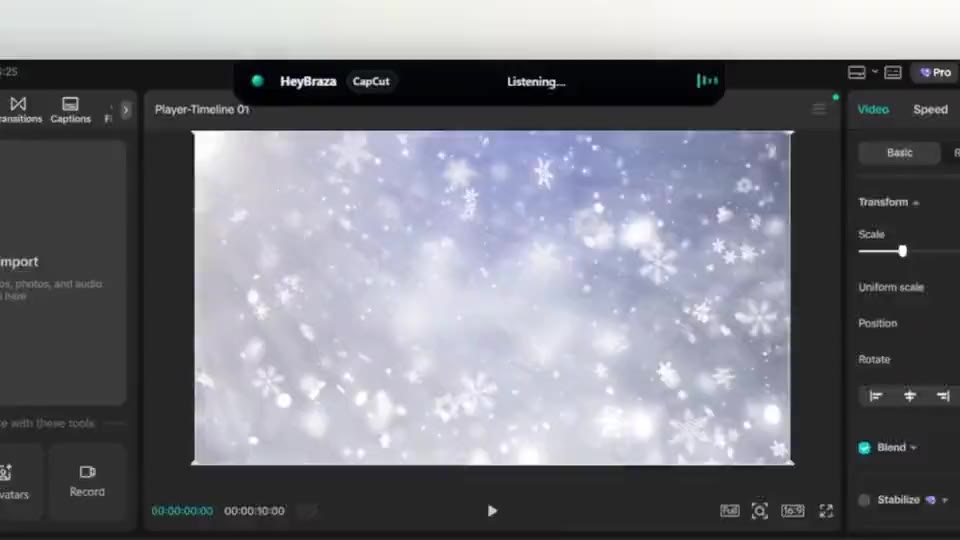
let HeyBraza do this with you
HeyBraza teaches you software while you're using it. hold a key and ask out loud - an ai tutor that sees your screen walks you through every step in real time, pointing and highlighting on your real work, talking you through it as it goes - not someone else's tutorial.
downloadcommon questions
is canva's background remover free?
no - it's a canva pro feature. on a free plan the button shows but won't run; a pro trial unlocks it.
why is the background remover greyed out?
usually because no image is selected, the item is a premium element, or your pro access expired.