canva · HeyBraza shows you
why can't i download my canva design
HeyBraza diagnoses what's blocking your download and points right at it.
a canva download that greys out, fails, or just spins is one of the most common frustrations - and it's rarely your internet. it usually comes down to a premium element, an unfinished upload, or the browser. here's how to find the culprit fast.
short answer
the two usual causes are something still loading and a premium (crowned) element you haven't paid for - both stall the download silently. if neither applies, switch format (pdf often times out where png works) or refresh the page.
or do it yourself
- 1wait for everything to finish loading - a spinning thumbnail or uploading element blocks the download until it's done.
- 2check for premium (crowned) elements - on a free plan the download stalls until you remove or buy them.
- 3try a different format - if pdf fails, png or jpg often works; very large designs time out as pdf.
- 4refresh the page or switch to chrome; a stuck editing session is the most common cause.
- 5still failing? download fewer pages at a time, or flatten the file, then retry.
steps last checked
let HeyBraza do this with you
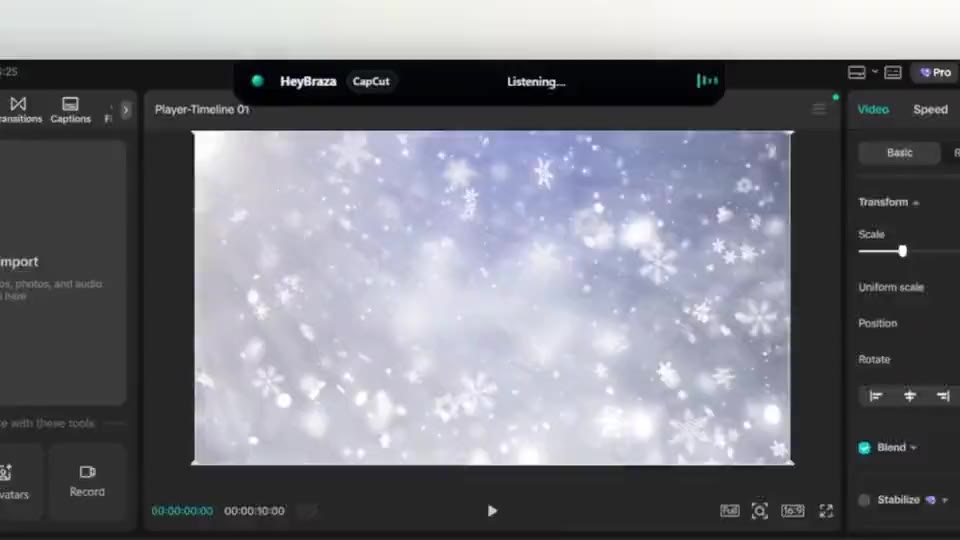
HeyBraza teaches you software while you're using it. hold a key and ask out loud - an ai tutor that sees your screen walks you through every step in real time, pointing and highlighting on your real work, talking you through it as it goes - not someone else's tutorial.
downloadcommon questions
why is my canva download greyed out or not starting?
usually unpaid premium elements, an unfinished upload, or a browser glitch - fix those, then retry.