 photoshop · HeyBraza shows you
could not complete your request because the scratch disk is full
HeyBraza points at edit > purge and the scratch-disk preference so photoshop gets room to breathe again.
'could not complete your request because the scratch disk is full' means photoshop ran out of the temporary working space it uses on your hard drive - usually because your startup disk is nearly full. clearing space and pointing photoshop at a roomier drive fixes it. here's how.
short answer
free several gb on your startup drive, then use edit > purge > all to dump cached history. to stop it happening again, add a second drive under preferences > scratch disks and restart - hold ctrl+alt (cmd+option on mac) while photoshop launches if it won't open at all.
or do it yourself
- 1free up disk space on your startup drive - empty the trash/recycle bin and clear downloads; photoshop needs several gb free to work.
- 2inside photoshop, go to edit > purge > all to dump cached history and clipboard data (this can't be undone, but frees space immediately).
- 3point photoshop at a drive with more room: edit > preferences > scratch disks (windows) or photoshop > settings > scratch disks (mac), tick a second drive, and restart photoshop.
- 4if photoshop won't even open, hold ctrl+alt (windows) or cmd+option (mac) right as it launches to open the scratch disk preferences before it loads.
- 5clear the temp files: search your drive for photoshop temp files (named 'pst…') and delete any left over from a crash.
steps last checked
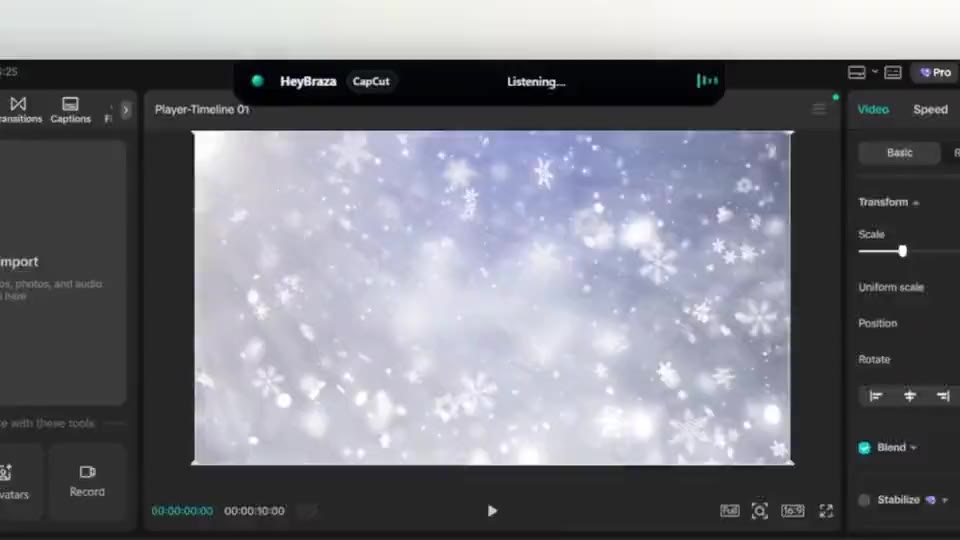
let HeyBraza do this with you
HeyBraza teaches you software while you're using it. hold a key and ask out loud - an ai tutor that sees your screen walks you through every step in real time, pointing and highlighting on your real work, talking you through it as it goes - not someone else's tutorial.
downloadcommon questions
what is a scratch disk in photoshop?
it's the drive photoshop uses as temporary memory when your ram fills up. if that drive runs out of space, you get the 'scratch disk is full' error.
how do i open photoshop if the scratch disk is full?
hold ctrl+alt (cmd+option on mac) immediately as photoshop launches to reach the scratch disk preferences, then assign a drive with free space.