canva · HeyBraza shows you
how to trim a video in canva
HeyBraza points at the trim handles wherever this canva version hides them.
trimming a clip in canva is easy once you know where the controls are - but canva keeps moving them between versions, so the button you saw in a tutorial may be somewhere else. here's how to trim and split in whatever version you're on.
short answer
click the clip and drag its left or right edge inward to cut off the start or end. for finer control double-click the clip to open the timeline trimmer, or move the playhead and press the scissors button to split it.
or do it yourself
- 1click the video clip on your canvas to select it.
- 2hover over the left or right edge until a handle appears, then drag inward to cut off the start or end.
- 3for finer control, double-click the clip to open the timeline trimmer and drag the purple handles.
- 4to split a clip, move the playhead and press the split (scissors) button, then delete the part you don't want.
steps last checked
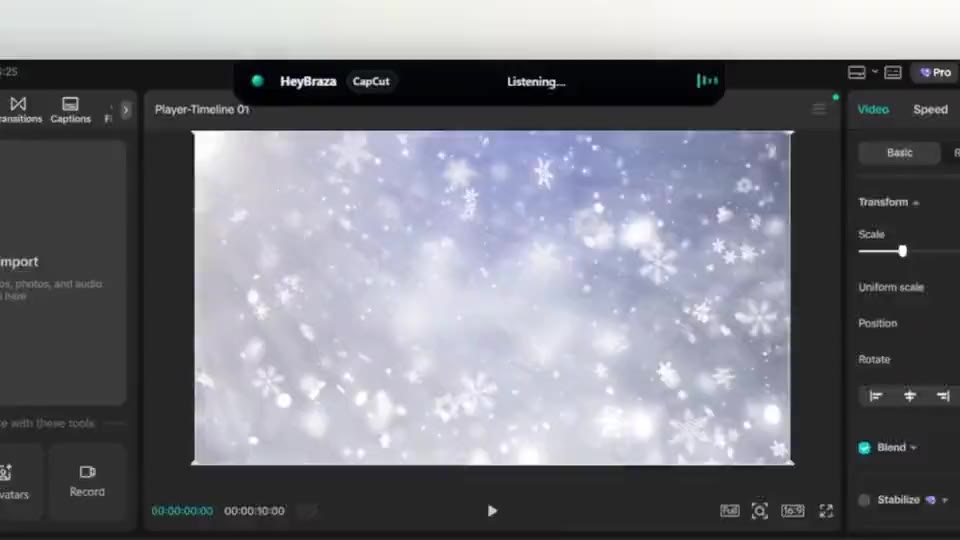
let HeyBraza do this with you
HeyBraza teaches you software while you're using it. hold a key and ask out loud - an ai tutor that sees your screen walks you through every step in real time, pointing and highlighting on your real work, talking you through it as it goes - not someone else's tutorial.
downloadcommon questions
where is the trim button in canva?
select the clip and drag its edges, or double-click it to open the trim view - canva moved this between versions, so there's no fixed button.